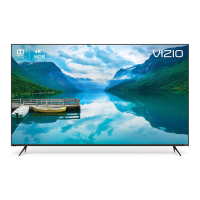
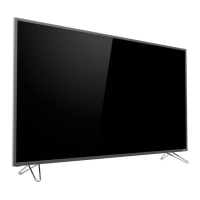
To install the TV stand (M3D470KD):
1. Place the TV screen-down on a clean, flat surface. To prevent
scratches or damage to the screen, place the TV on a soft
surface, such as carpet, rug, or blanket.
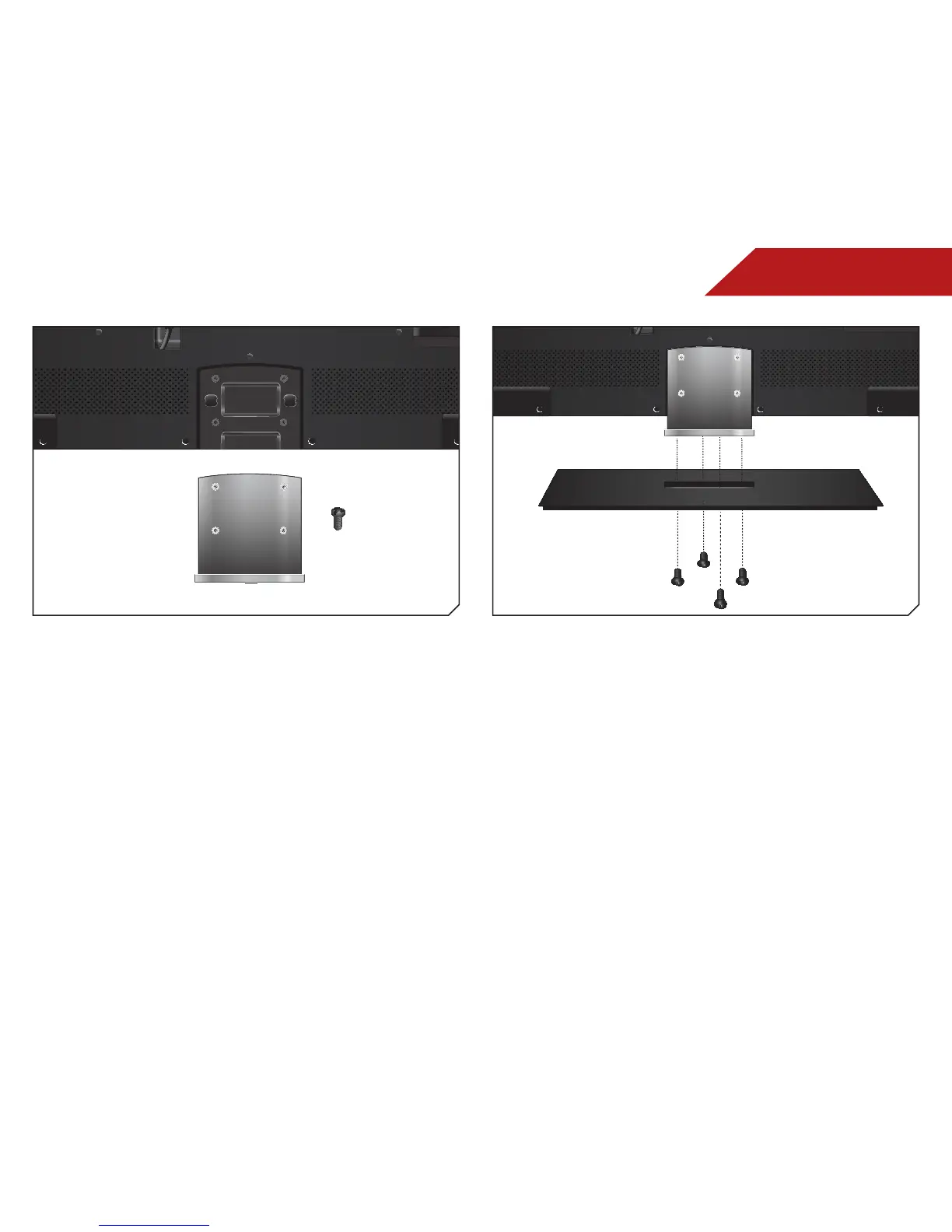
2. Attach the neck to the TV with the 4 smaller screws.
3. Attach the neck to the base with the 4 larger screws.
4. Place the TV upright on a flat, stable surface.
5. Move the TV with attached stand into an upright position
and place on a flat, level, and stable surface.
6. To ensure proper ventilation, leave at least 1” of space
between the back of the TV and any other objects (walls,
etc).


 To Next Page
 Loading...