English - 28
Additional device not included
Using your smartphone
or tablet as a remote
In addition to the included Android tablet, you can
use your smartphone or tablet to access a library
of casting content by tapping, swiping, or using
voice controls.
To use your smartphone or tablet as your
SmartCast Remote:
• Download the VIZIO SmartCast on your
compatible mobile device and follow the
on-screen instructions to pair your device
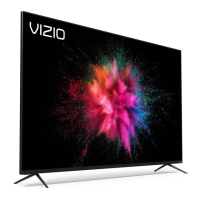
with a VIZIO Home Theater Display.


 To Next Page
 Loading...