Need help?
Do you have a question about the Vizio VHD24M-0809 and is the answer not in the manual?
Register your VIZIO product for tips and support.
Observe instructions to prevent electric shock or fire.
Unplug TV during storms or long periods of disuse.
Guidelines for antenna/cable grounding and installation.
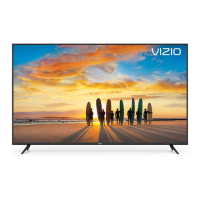
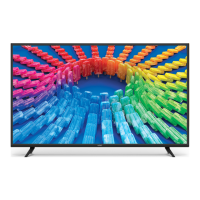
Details about the TV's front panel components.
Connecting devices via HDMI and Coaxial ports.
Connecting audio devices and USB drives.
Screw size, hole pattern, and weight for mounting.
Explains the purpose of each button on the remote control.
Instructions for replacing remote control batteries.
Steps to pair the voice remote with the TV.
Instructions on using voice commands and example phrases.
Using the VIZIO Mobile app for voice control.
Ensure TV is installed and power connected.
Download VIZIO Mobile App and pair remote.
Connect to WiFi, sign in, and accept policies.
Explains core functionality, streaming, and app access.
Using the mobile app for TV control and configuration.
Details on the free streaming service and its benefits.
Steps to access and navigate the WatchFree+ service.
How to get assistance, news, and product updates.
Troubleshooting for unresponsive remotes and sound problems.
Solutions for no signal, distorted picture, and image quality.
Information on accessibility features and app streaming.
Help with WiFi, mobile app, and channel tuning.
Information on voice control, HDR, and demo mode.
Details on TV size, weight, and display resolution.
Lists available ports and wireless capabilities.
Details on TV size, weight, and display resolution.
Lists available ports and wireless capabilities.
Explains FCC rules for radio interference.
Explains Industry Canada rules for radio apparatus.
What the warranty covers, how to get service, and exclusions.
Terms for resolving disputes through arbitration.
How to opt out of the binding arbitration agreement.
How the law applies and warranty updates.
Terms of software use and VIZIO's privacy policy.
Compliance with export laws and app content availability.
Guidelines for recycling electronics and batteries.

 To Next Page
 General