7
Getting to Know Your TV
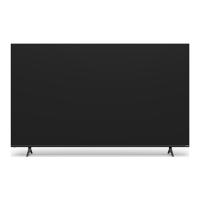
FRONT PANEL
Remote Sensor and Power Indicator
When using the remote, aim it directly at this sensor.
The power indicator flashes on when the TV turns on, then goes out after several
seconds.
POWER/INPUT BUTTON
(located under the sensor)
When TV is OFF:
Press to turn On the TV.
When TV is ON:
Press to change to the next input source.
Press and hold (3 seconds) and release to turn TV Off.
Press and hold (12 seconds) to reset TV to default settings.

 To Next Page
 Loading...