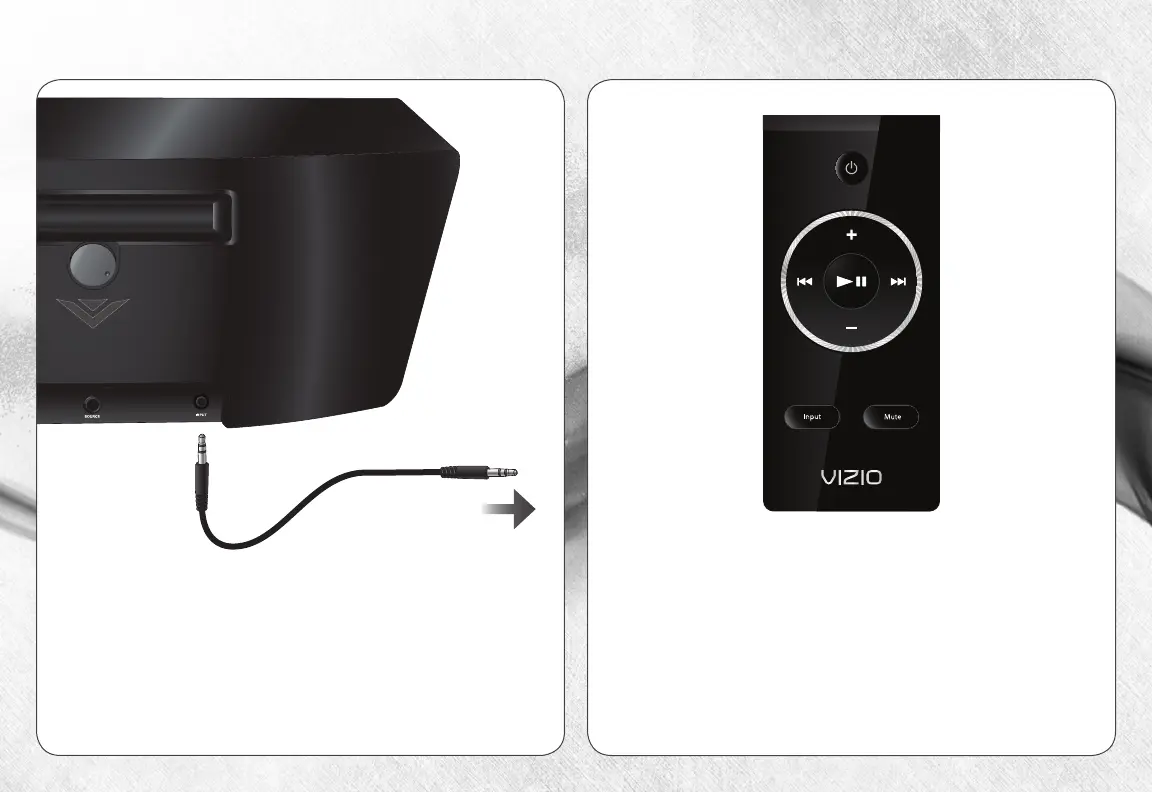
CONNECTING DEVICE USING THE 3.5MM CBLE
Turn on the Dock and your device.
Press the INPUT button on the remote to toggle the
audio source from the pple Dock Connector to the
3.5mm INPUT port.
Turn off the Dock and your device.
Connect the included 3.5mm cable to the INPUT
port on the back of the Dock.
Connect the other end of the cable to your device.
Set the volume level of your device at medium.
To your device


 To Next Page