12
STAYING ORGANIZED
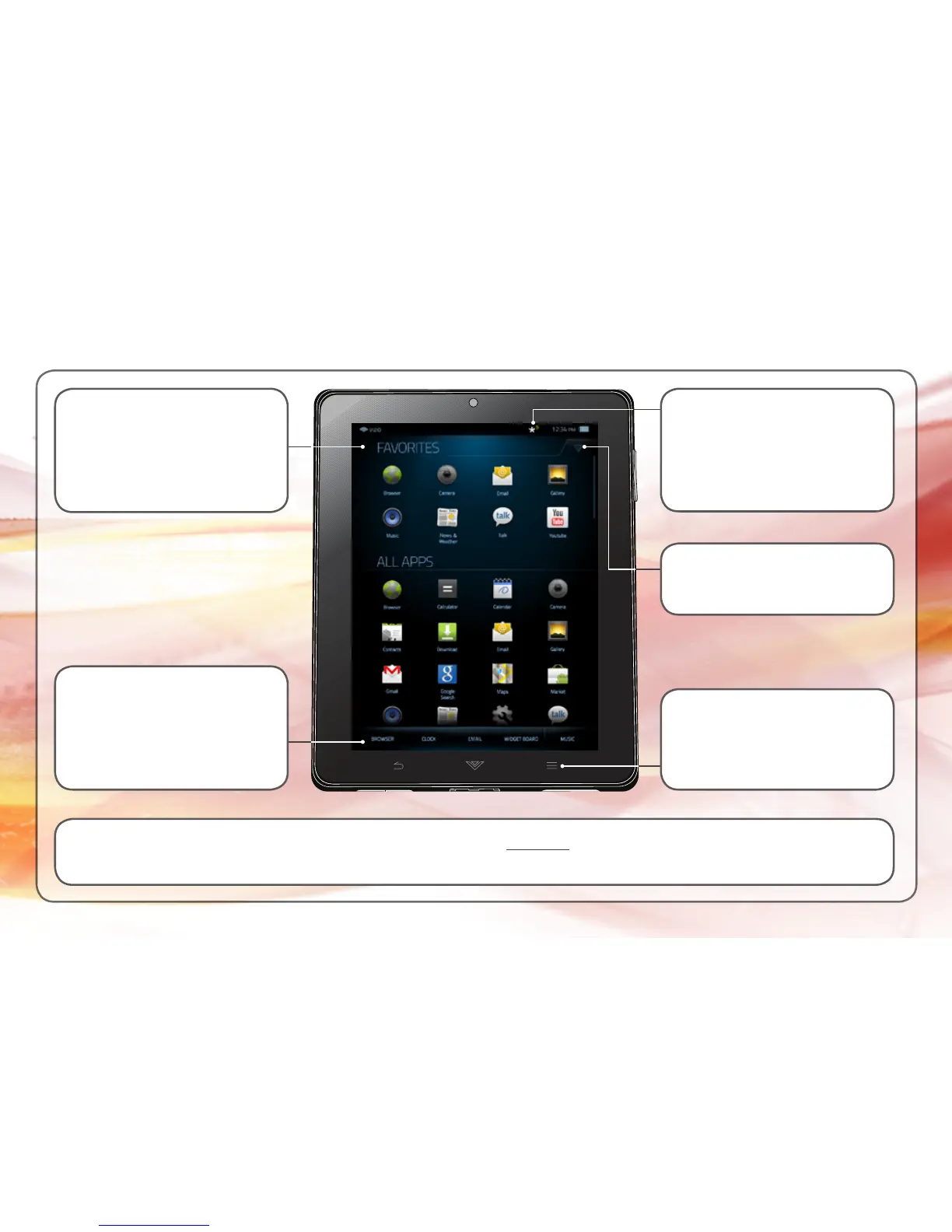
To add an App to a Category or the Dock, touch and hold the App icon you want to add.
When the Options menu is displayed, tap Add to Dock or add to your current category (Favorites, Games, etc).
Dock
Up to 5 of your Apps can be
added to the Dock for quick
access.
Category
You can add Apps to each
Category to help you stay
organized.
To create a custom
Category, tap Menu, then
tap Add New Category.
To quickly change Category,
tap the Arrow.
Tap the Notification icon to
see new emails, updates,
and more.



 To Next Page