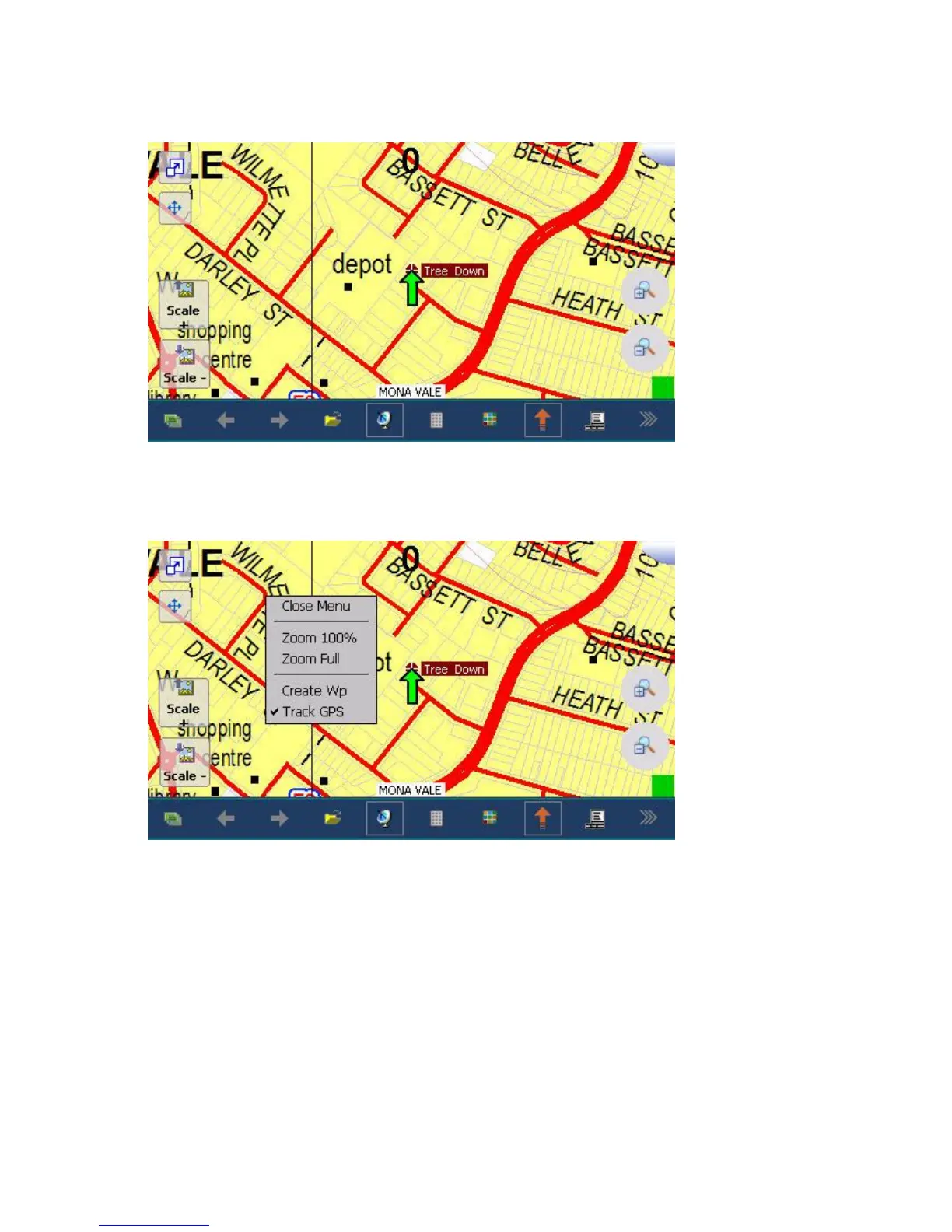
Return to the map page by taping the top right hand corner:
If you know the location of the tree by other means, eg a description of its location, "At the NE
corner of Wilmette Pl", then you can create a waypoint at this location by simply taping and holding
the screen with the stylus at the required location and selecting create Wp:
Again click and hold to change its name.
How to determine the position of a waypoint:
Simply tap and hold, with the stylus, the waypoint, until a red circle appears around the waypoint.
Select "Edit Wp" (edit waypoint):



 To Next Page