Telephone numbers and names can be stored
either in the SIM or in the phone memory. You can
search and recall numbers in order to make a call,
send a message or use as an emergency contact.
The contacts saved in the SIM card are indicated
by SIM.
EN
You can pick up the handset or press speaker phone
key to answer the call.
Press /OK > Contacts> OK
Use and to move to the desired contact
Press options> Call
1.
2.
3.
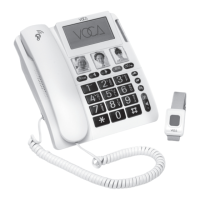
At home screen, short press photo key or long
press numberic key 2-9 for speed dial.
To edit speed dial numbers, press > Contacts>
Options> Speed dial or pictures> Options> Edit
Speed Dial by photo or numeric key
Dial from Contacts
Contacts
P.8


 To Next Page