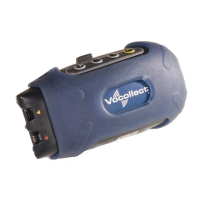
Using a Terminal Cover
T5 Terminal Covers
To place a terminal cover onto a terminal:
1. If the terminal is not already off, press and hold the yellow play/pause button until the
LED indicator turns solid red and then off.
2. Disconnect any peripherals.
3. Hold the terminal with the battery compartment facing up and the terminal's buttons
facing toward you.
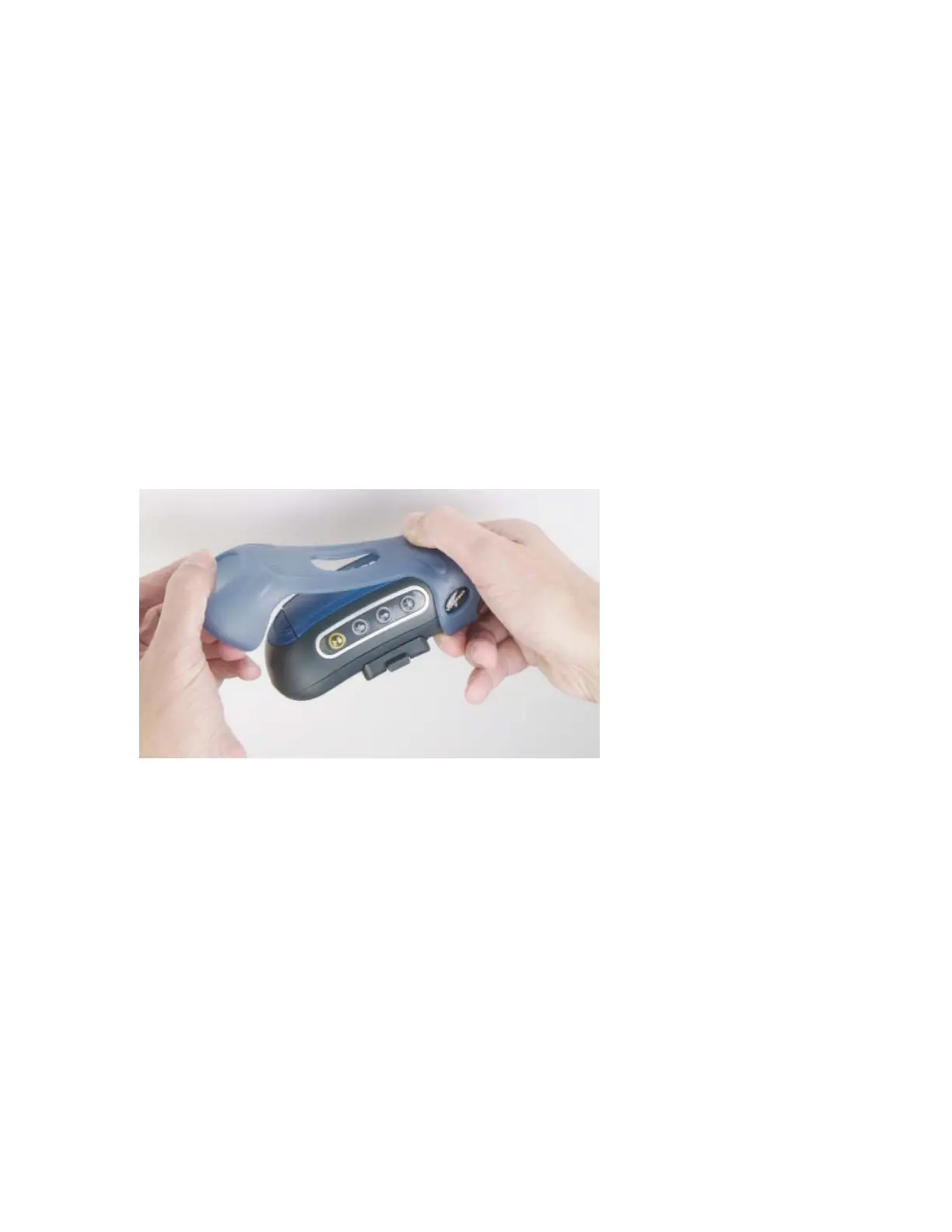
4. Slide the open end of the cover over the connection port end of the terminal. Pull
gently on the cover to make sure it slides behind the tab (located on the bottom of the
terminal) that holds the cover securely in place.
5. Stretch the rounded end of the cover over the rounded end of the terminal.
6. Attach the peripherals that you will be using.
To remove a terminal cover from a terminal:
1. If the terminal is not already off, press and hold the yellow play/pause button until the
LED indicator turns solid red and then off.
2. Disconnect any peripherals, such as a headset or bar code reader, that are attached to
the terminal.
3. Lift the cover off the rounded end of the terminal.
4. Slide the cover off of the connection port end of the terminal.


 To Next Page
 Loading...