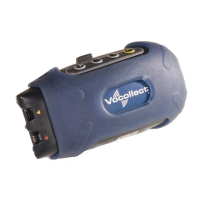
Connecting and Disconnecting
Peripherals
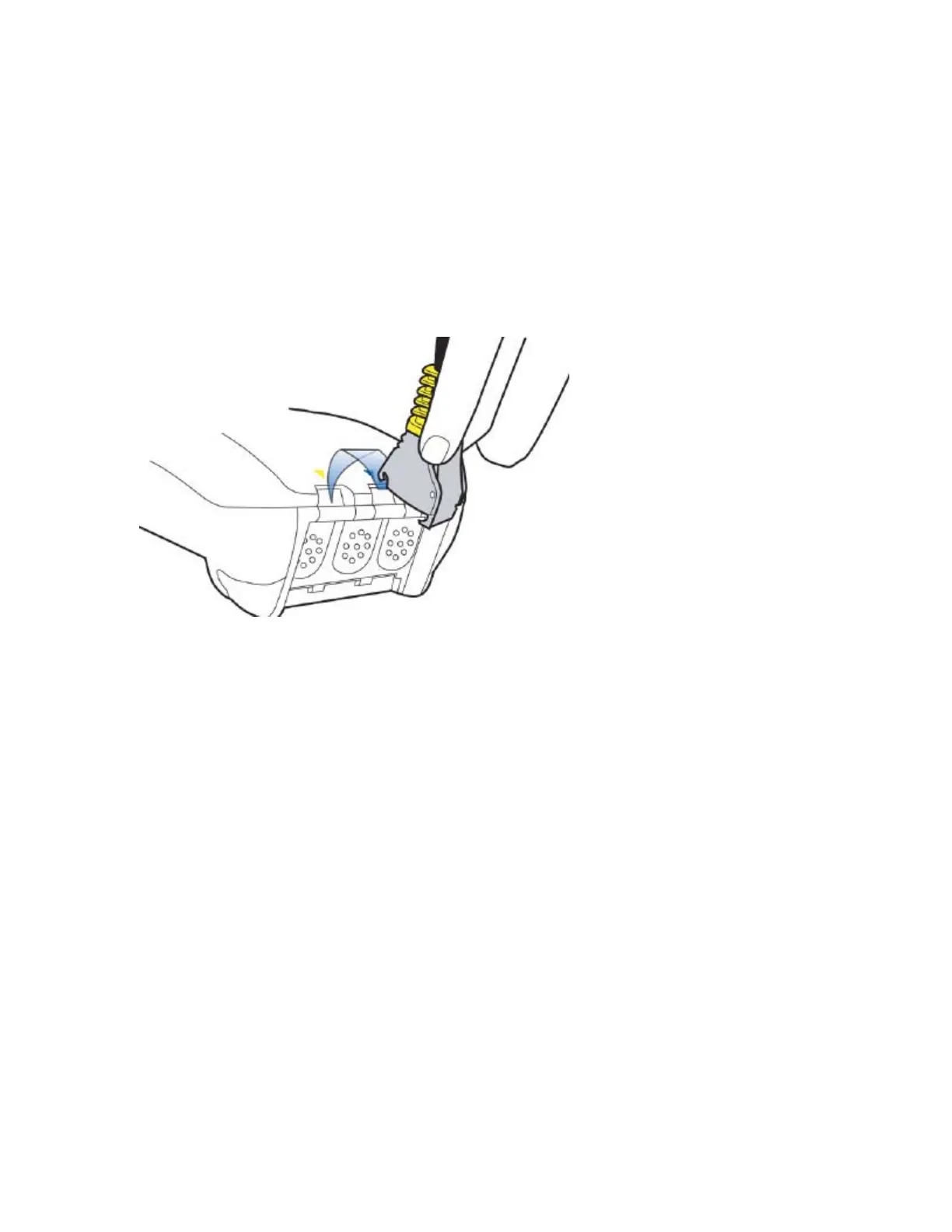
For T5 wearable computers, match the color on the terminal's connection port to the color on
the connector.
• Headsets: Yellow port
• All other peripherals: The port designated by red|blue triangles
To connect a peripheral to the terminal:
Note: When you attach a peripheral to a T5 terminal, the terminal may automatically shut
down if the peripheral is powered on when attached to the cable. If this happens, reboot
the terminal.
Follow these guidelines when attaching a peripheral:
1. Attach the cable to the terminal.
2. Make sure the peripheral is off. The LED indicator should be green.
3. Say, "Talkman, noise sample."
4. The terminal says, "Please keep quiet for a few seconds." Wait silently for the next
prompt.
5. The terminal says, "Please say zero." Say "Zero."
6. The terminal then prompts you to say the digits one and two. Repeat these digits when
prompted.


 To Next Page
 Loading...