The T5 Charger provides the capability to charge batteries within and separate from terminals.
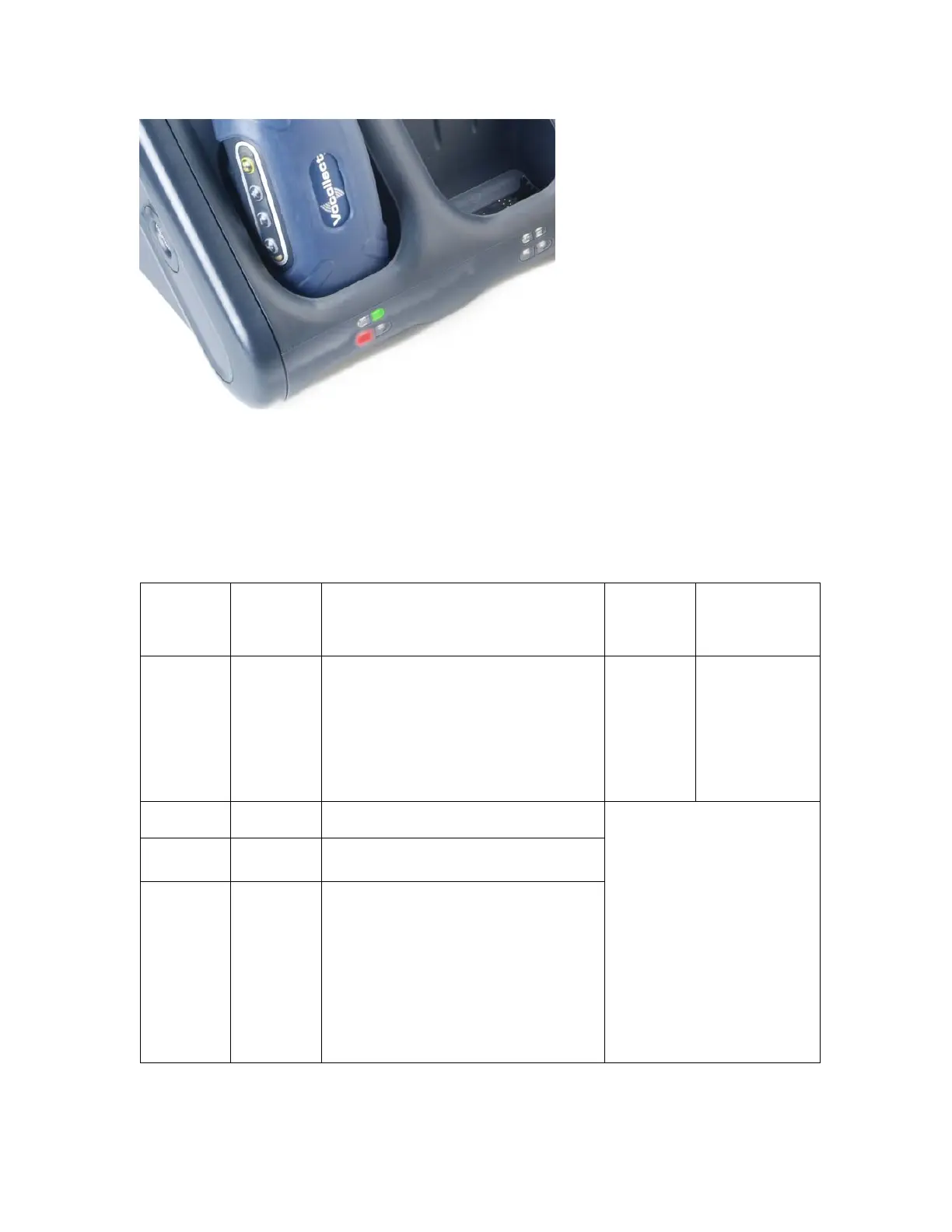
The T5 chargers come equipped with four LED indicators below each set of slots on the
charger. The upper set of indicators applies to the charger's battery slots; the lower set of
indicators applies to the charger's terminal slots. All LED indicators are used to determine the
battery's charging status.
The following table details the different colors of the lower set of indicators (those
applying to the terminal slots) on the T5 Charger.
Left
Indicator
Color
Right
Indicator
Color
If a terminal with a battery is in the
charger…
If no
terminal
is in the
charger…
If a terminal
without a
battery is in
the charger…
Off Off
Abnormal condition: see
Troubleshooting Abnormal Conditions
Normal
Condition;
no action
is
necessary.
Normal state;
place a battery
into the
terminal
without
removing the
terminal from
the charger.
Solid
Green
Solid
Green
Normal State: the battery is charged
and ready to be used
Solid Red Off
Normal State: the battery is being
charged
Blinking
Red
Off
Normal State: the battery may not
be inserted into the charger
correctly. Reinsert the battery into
the charger.
Abnormal condition: if this condition
persists after verifying that the
battery is seated properly in the
charger, see Troubleshooting
Abnormal Conditions
Charger module is
malfunctioning: see
Troubleshooting Charger
Malfunction


 To Next Page
 Loading...