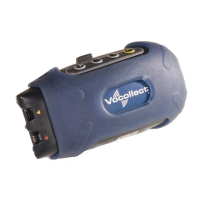
Warning: Do not attempt to place the terminal into a terminal charger unless you have
first disconnected the headset and any other peripheral devices. Do not remove the
battery from the terminal when placing a terminal into a charger.
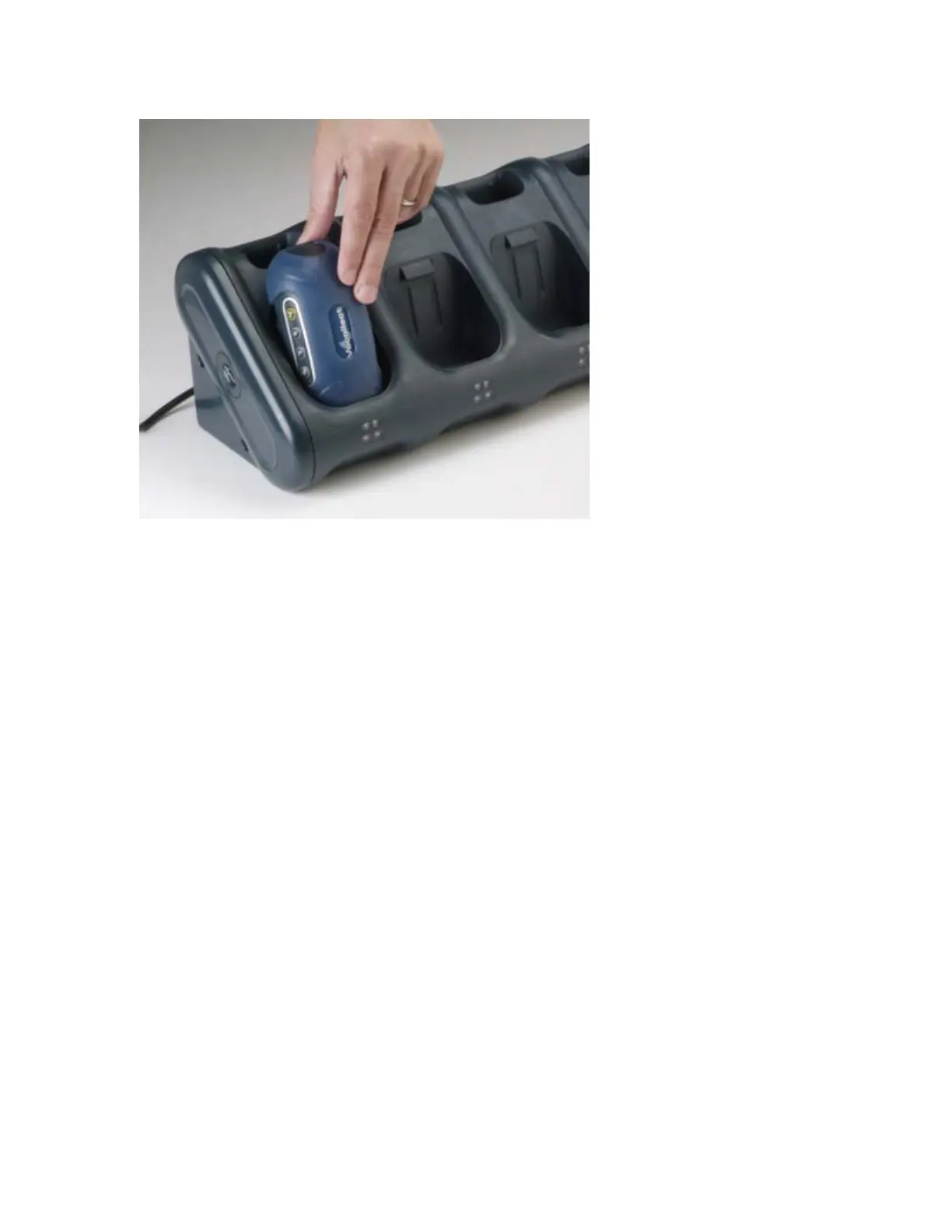
7. After the terminal has been placed into the charger, make sure that the LED indicator on
the terminal turns on and begins to blink green. If the LED does not turn on after 30
seconds, remove the terminal from the charger slot and then place it into the slot again. If
the LED indicator still does not turn on, try another terminal charger slot.
Note: A terminal is ready to use and can be removed from a terminal charger when the
LED indicator on the terminal is blinking green. If the LED indicator on a terminal is
blinking red, do not remove the terminal from the terminal charger.
To remove a terminal from a terminal charger:
1. Make sure that the terminal is ready to use.
Note: The terminal is ready to use when the LED indicator on the terminal is blinking
green. If the LED is blinking red, the terminal is not ready to be used. For information
about the different states of the LED indicators that are found on a terminal charger,
see LED Indicators.
Warning: If a terminal continuously displays a solid red light, contact your system
administrator.
2. Pull up on the terminal to remove it from the terminal charger.


 To Next Page
 Loading...