8
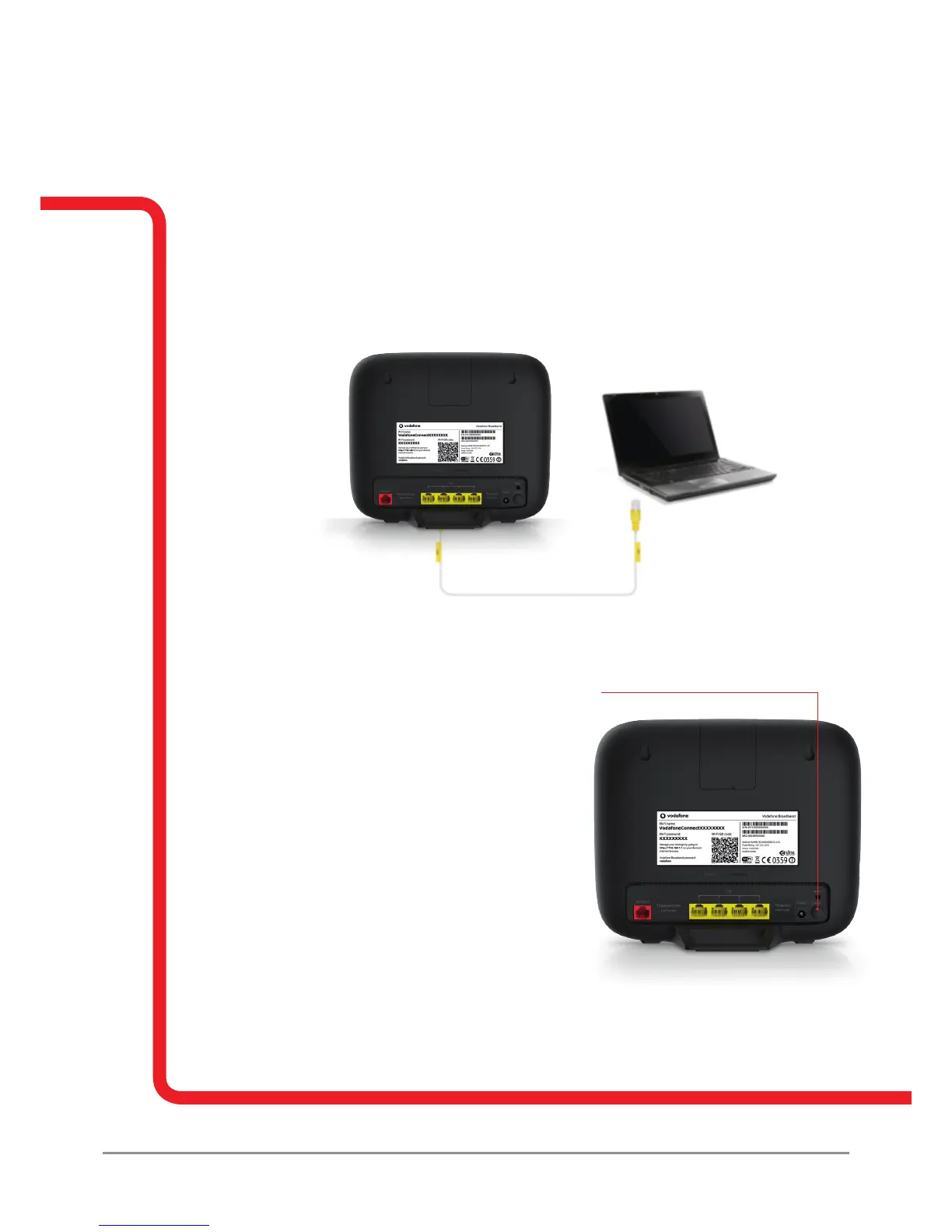
1.3 Connecting to the internet with an Ethernet cable
1. Plug in one end of the Ethernet cable to an Ethernet port on your computer, and the other
to any of the four Ethernet ports on the back of the Vodafone Broadband router.
2. Most computers will automatically detect when an Ethernet cable is connected. You should
then be able to go online straight-away.
If you nd there’s no internet access using your Ethernet cable, make sure you’ve securely
connected the cable between the Vodafone Broadband router and your computer. You can
also try restarting your computer.
1.4 Resetting your Vodafone Broadband router
If you experience problems with your Vodafone Broadband router, it sometimes helps to
switch your Vodafone Broadband router off and on again. See the image below to locate the
on/off button. Please do not do this during initialisation.
1.5 Beamforming technology explained
The Vodafone Broadband router uses a technology
called beamforming. It works by focusing the Wi-Fi
signal towards the device using it, rather than
spread the signal across a wide area. If you have
a beamforming enabled device, you don’t need
to set anything up, you’ll get a better quality signal
wherever you are in the premises. To nd out if your
device is beamforming enabled check the
manufacturer’s specication.
1.6 Boost technology
Boost technology allows the Wi-Fi in your premises
to be focused on one device for a specic length of time – this can be controlled by the
administrator via the online portal or from the Vodafone Broadband router app.



 To Next Page