Advanced Configuration Guide
Vodafone Mobile Wi-Fi – R215
Vodafone R215 August 2013
Version 0.1
32
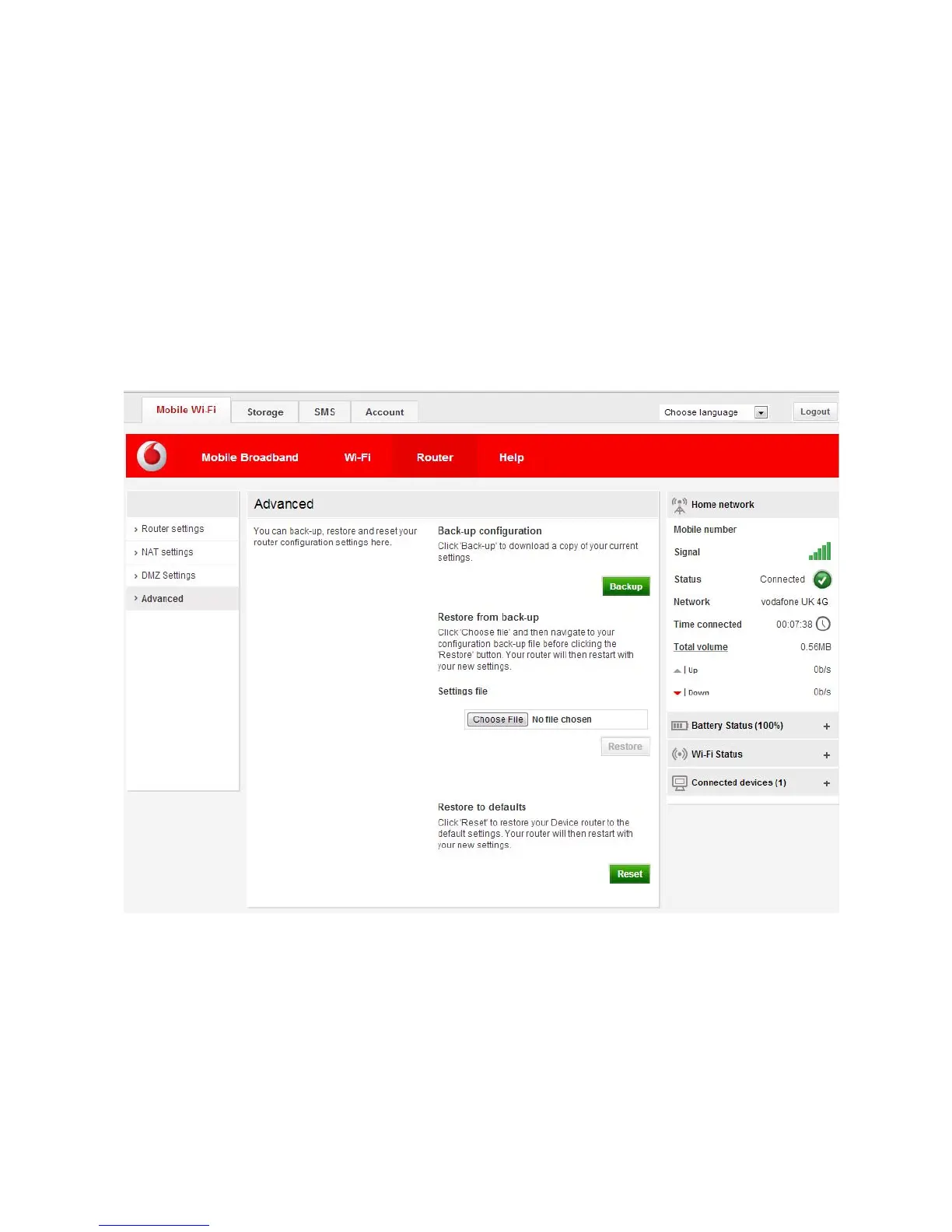
2.2.3.4 Advanced
Choose Advanced from the left hand menu bar to backup and restore the device configuration settings,
or to reset the device back to the original factory settings.
You can save the current configuration of the Vodafone Mobile Wi-Fi device, or restore a saved
configuration. Click Backup to save. To restore a previously saved copy of the settings, enter the location
into the restore box and click OK .
The Restore to Factory Defaults option will reset your device to the standard settings that applied when it
first came out of the box. To reset the device to its factory settings click Reset. Alternatively, you can use
the hardware reset button found on the bottom of the device when the cover is removed (see section
3.4).


 To Next Page
 Loading...