Advanced Configuration Guide
Vodafone Mobile Wi-Fi – R215
Vodafone R215 August 2013
Version 0.1
5
1.1 Vodafone Mobile Wi-Fi Overview
The Vodafone Mobile Wi-Fi R215 creates a personal portable Wi-Fi zone (either 2.4 or 5 GHz) which allows
up to 10 Wi-Fi enabled devices (for PCs, Laptops, Android devices including the Samsung® Galaxy Tab,
Apple® iPhone and iPad or mobile gaming devices such as Nintendo® DSi) to share a secure mobile
internet connection with theoretical peak rates of up to 150 Mbps downlink, 50 Mbps uplink via 4G .
The device is battery, mains or USB powered, and this flexibility allows the device to be positioned for best
mobile coverage and then share this coverage between several devices via Wi-Fi.
The Mobile Wi-Fi device should not be used in a confined space where air flow is limited, for instance
inside a jacket pocket or inside a hand bag etc.
1.1.1 System Requirements
To use the Vodafone Mobile Wi-Fi you need a device with Wi-Fi capability (supporting Wi-Fi 802.11 b/g/n)
and an internet browser.
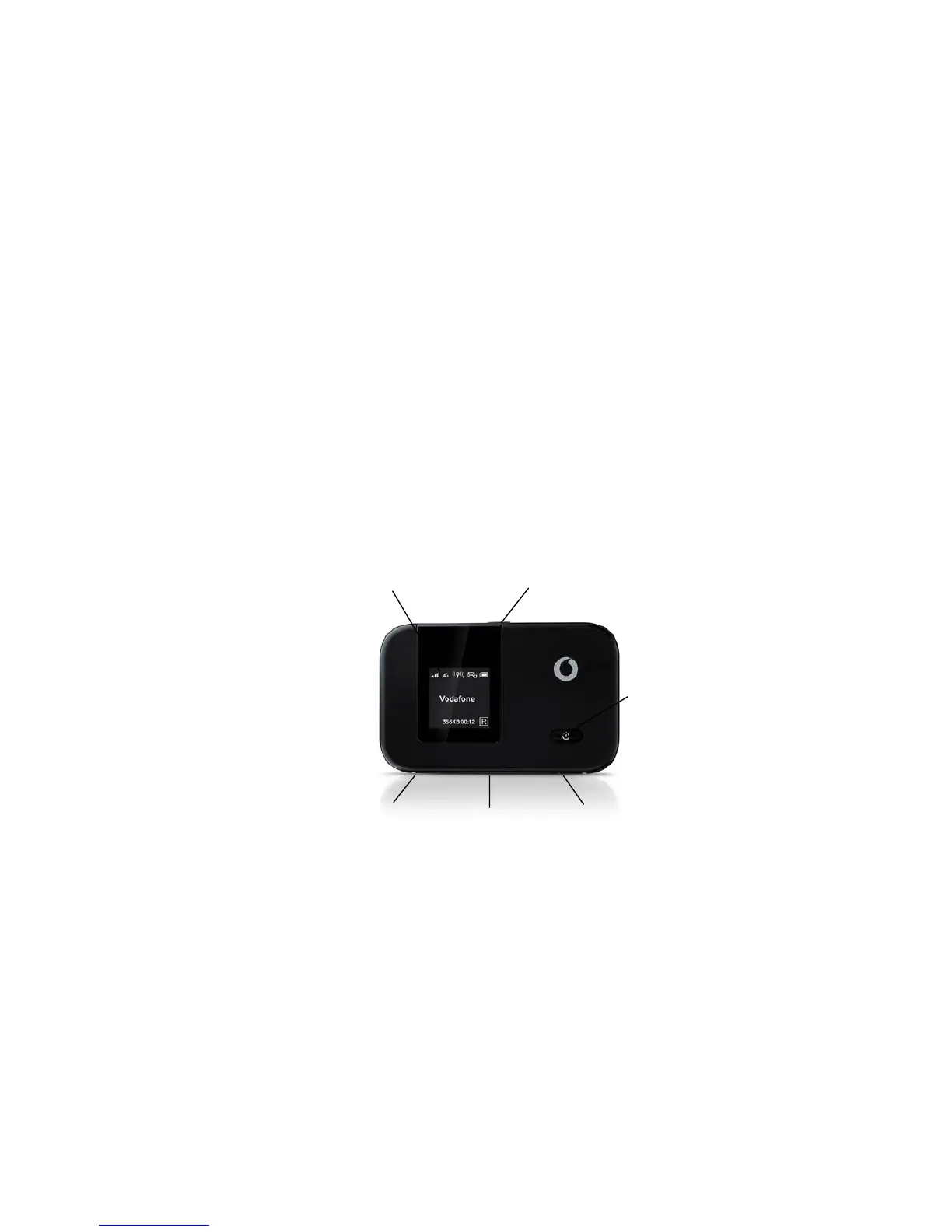
1.1.2 Device overview
The menu button gives you 3 options:
‘Info’ – displays your device SSID and network key (unless this option is switched off in the software).
‘Fast Startup’ – allows faster start-up of the device at the trade-off of additional power used.
‘Wi-Fi Band’ – allows selection of the Wi-Fi band used by the device, - either 2.4GHz or 5GHz. Some older
Wi-Fi enabled devices may only be able to access Wi-Fi networks using b or g modes only – in this case
also ensure band is set 2.4 GHz as the 5GHz band does not support b or g modes, only a or n modes.
Primary
aerial if
used
Secondary
aerial if
used
Micro USB
socket
Menu
button
Power
on/off
Status
dis


 To Next Page
 Loading...