Advanced Configuration Guide
Vodafone Mobile Wi-Fi – R215
Vodafone R215 August 2013
Version 0.1
7
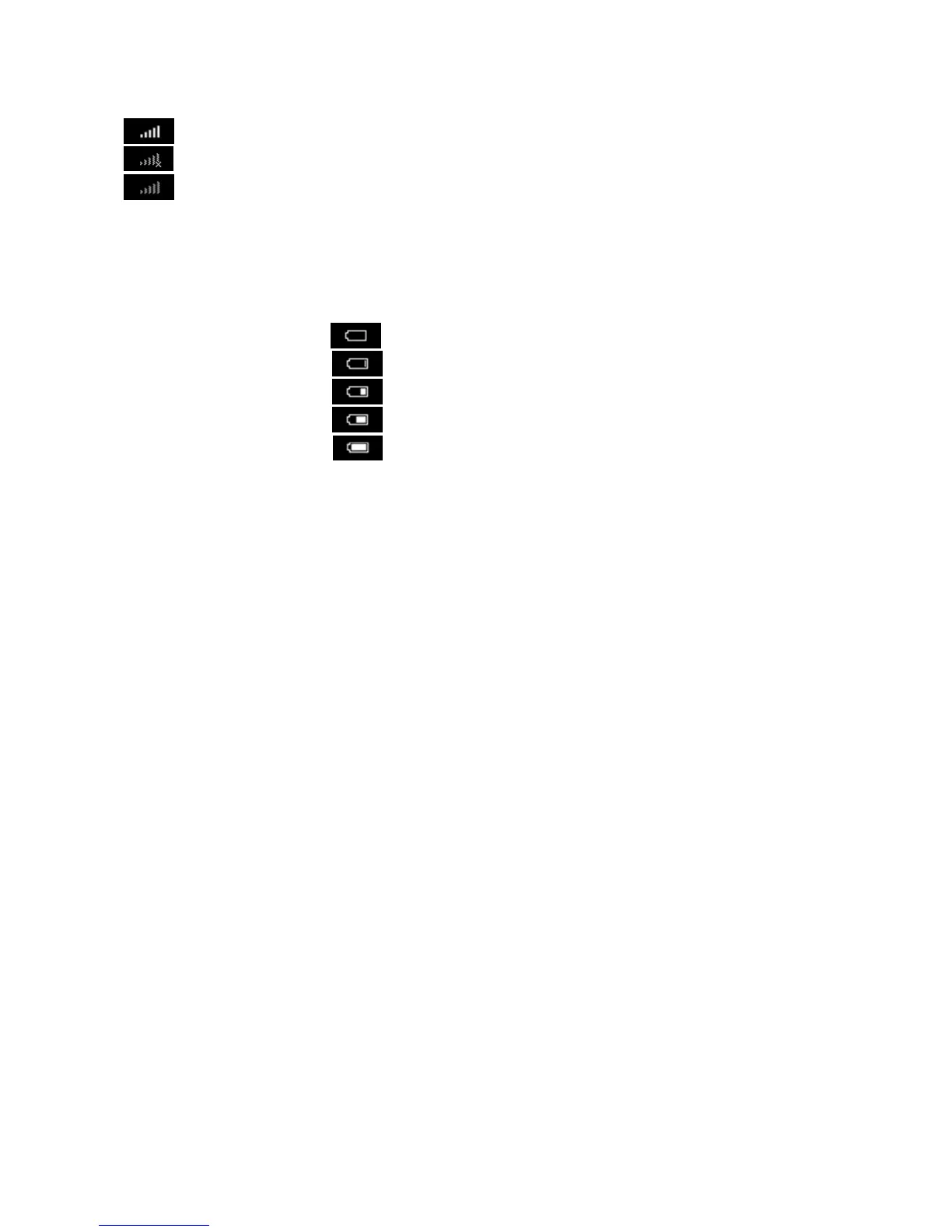
Mobile Broadband signal strength:
Connected with excellent signal strength (5 bars) through to Low signal strength (1 bar).
The Mobile Broadband network connection has failed, or the service is not available.
Not connected, but a network connection is available (excellent signal, icon will greyed out). The device may be
set to manual connection (not automatic connection) and is awaiting connection from the PC User Interface.
Battery charge:
While the device is being charged the battery icon will cycle through the charging icons below. When not being charged the
icon will show the charge left in the battery.
Discharged (0%)
Charging (10%)
Charging (30%)
Charging (60%)
Charged (100%)


 To Next Page
 Loading...