56
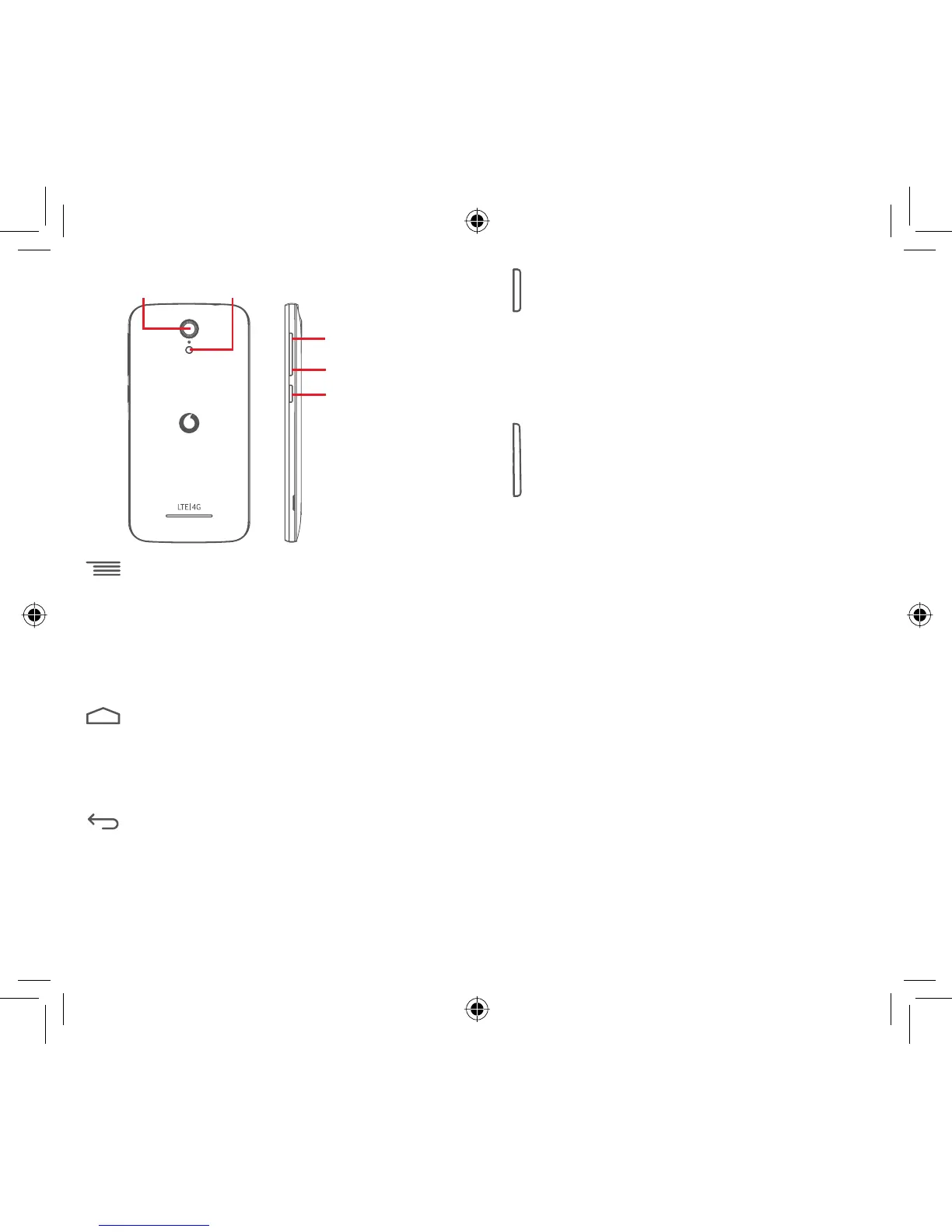
Volume up
Volume down
Power key
Camera
Camera flash/
Flashlight
Menu key
Touch: display menu options. On the Home screen, •
touch to access Wallpaper, Widgets and Settings.
Touch & hold: this shows you images of your most •
recently-used apps. Touch an image to open the
associated app, or swipe it left or right to remove it
from the list.
Home key
While on any app or screen, touch the • Home key to
return to the main Home screen.
Touch & hold this key to access • Google Now & Voice
Search.
Back key
Touch to go back to the previous screen, or to close •
a dialogue box, options menu, the Notification panel,
etc.
These keys are visible when the screen lights up.
Power key
Press: activate the lock screen/wake up the screen.•
Press and hold: show the pop-up menu to select from •
Power off, Restart, Airplane, etc.
Press and hold: power on.
Press and hold the • Power key and the Volume down
key to capture a screenshot.
Volume keys
During a call, they adjust the earpiece or headset •
volume.
In Music/Video/Streaming mode, they adjust the •
media volume.
In general mode, they adjust the ringtone volume.•
Mute the ringtone of an incoming call.•
In Camera mode, pressing either volume key captures •
a photo.
IP4907_VF985N_UM_Eng_GB_09_140528.indd Sec2:5-Sec2:6IP4907_VF985N_UM_Eng_GB_09_140528.indd Sec2:5-Sec2:6 2014-5-28 15:04:572014-5-28 15:04:57



 To Next Page