18
2 Text input
2.1 Using the onscreen keyboard
Onscreen keyboard settings
Touch the Application tab from the Home screen, select
Settings > System > Languages & input.
Adjust the onscreen keyboard orientation
Turn the phone sideways or upright to adjust the Onscreen
Keyboard orientation. You can also adjust it by changing the
settings (go to Settings > Display > Advanced > Auto-rotate
screen).
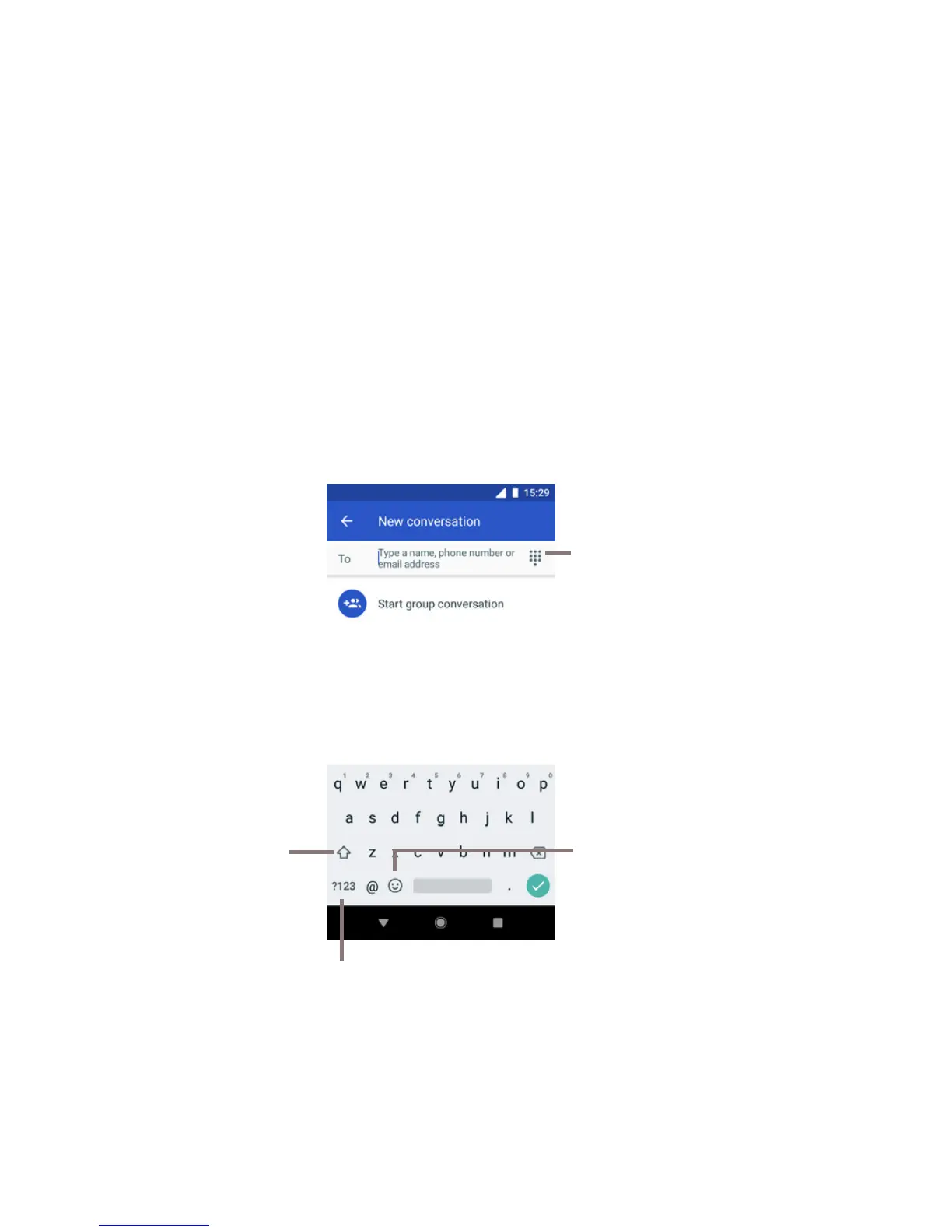
2.1.1 Gboard
Touch to switch between the
symbol and numeric keyboard
Touch and select
to enter symbols/
emoticons
Touch to enter names,
numbers or email
addresses
Touch to
switch case



 To Next Page