34
4 Messaging & Email
4.1 Message
Your phone can create, edit and receive chat, SMS and MMS
messages.
Go to the Home page and touch the icon in the Favourites
tray if available, or touch the Application tab from the Home
screen, then touch Message.
4.1.1 Create a new message
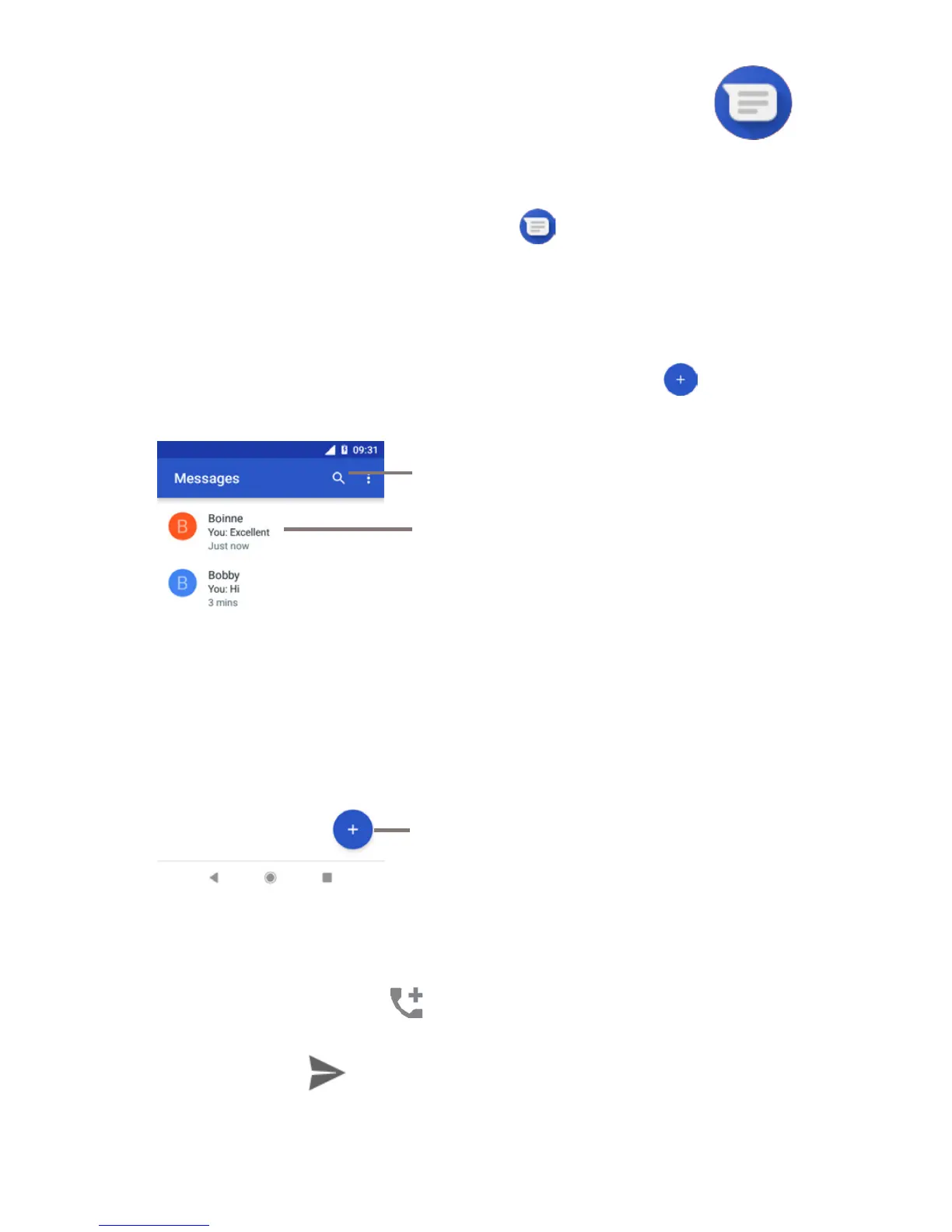
On the message list screen, touch the new message icon to
write new text/multimedia messages.
Touch to create a new message
or a new group chat
• Touch to view the whole message thread
• Long press message threads to access
other options available with this contact.
Touch to search in all messages
Sending a text message
Enter the mobile phone number of the recipient on the
recipients' bar or touch to add recipients, then touch the
content bar to enter the text of the message. When you’ve
finished, touch to send the text message.



 To Next Page