44
Timers
• Timer sound
Touch to select timer sound.
• Gradually increase
volume
Touch to set gradually increase volume.
• Timer vibrate
Enable vibration when timer receives.
5.4 Calculator
With Calculator you can solve many mathematical problems.
To open it, touch the Application tab from the Home screen,
then touch Calculator.
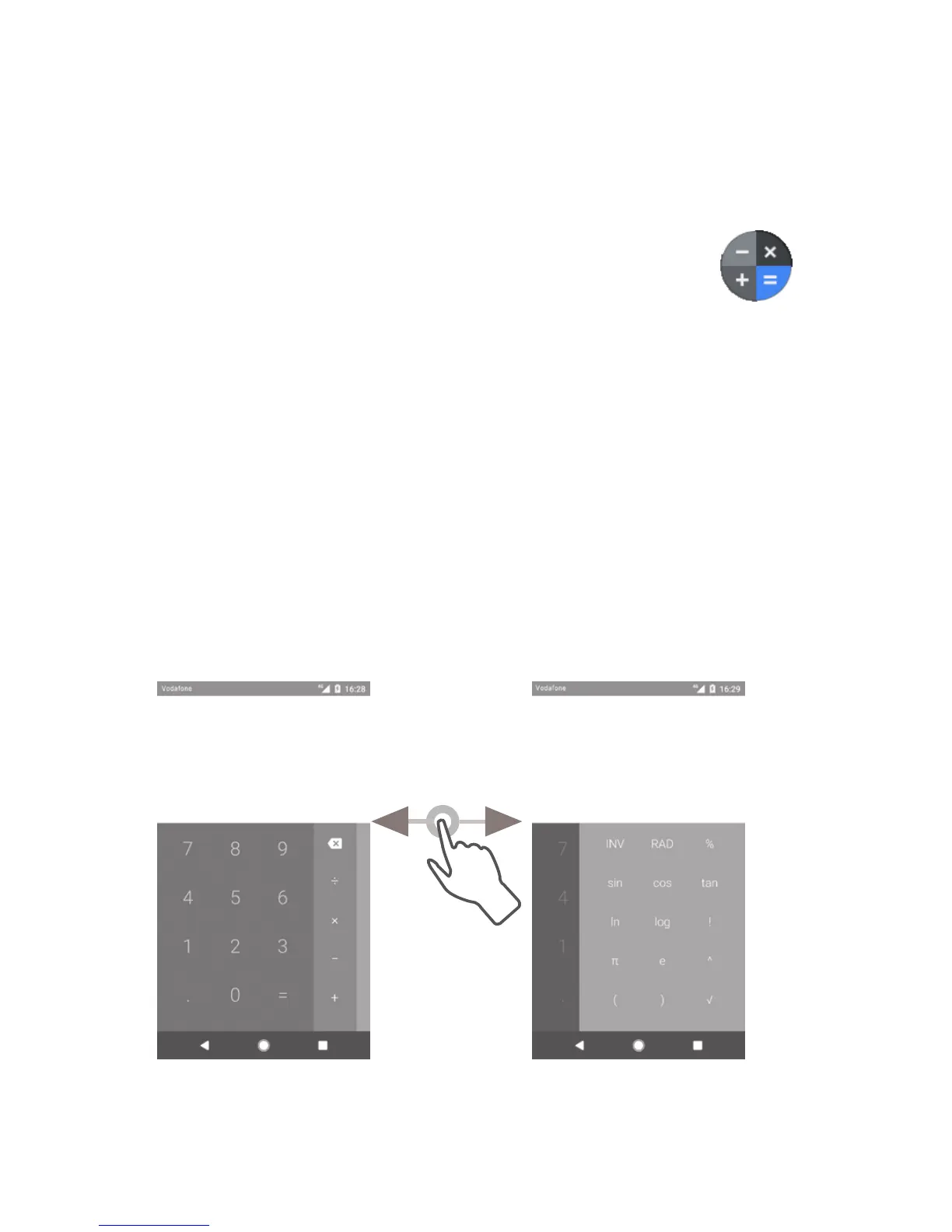
There are two panels available: Basic panel and Advanced panel.
To switch between panels, select one of the following two ways:
• Touch and drag the basic screen to the left to open the
Advanced panel.
• Turn the phone to the landscape mode from the basic panel
to open the Advanced panel
(1)
.
To view the calculation history, drag down the screen.
(1)
If "Settings\Display\Advanced\Auto-rotate screen” is off, this item
will not display.



 To Next Page