57
8.2 Photos
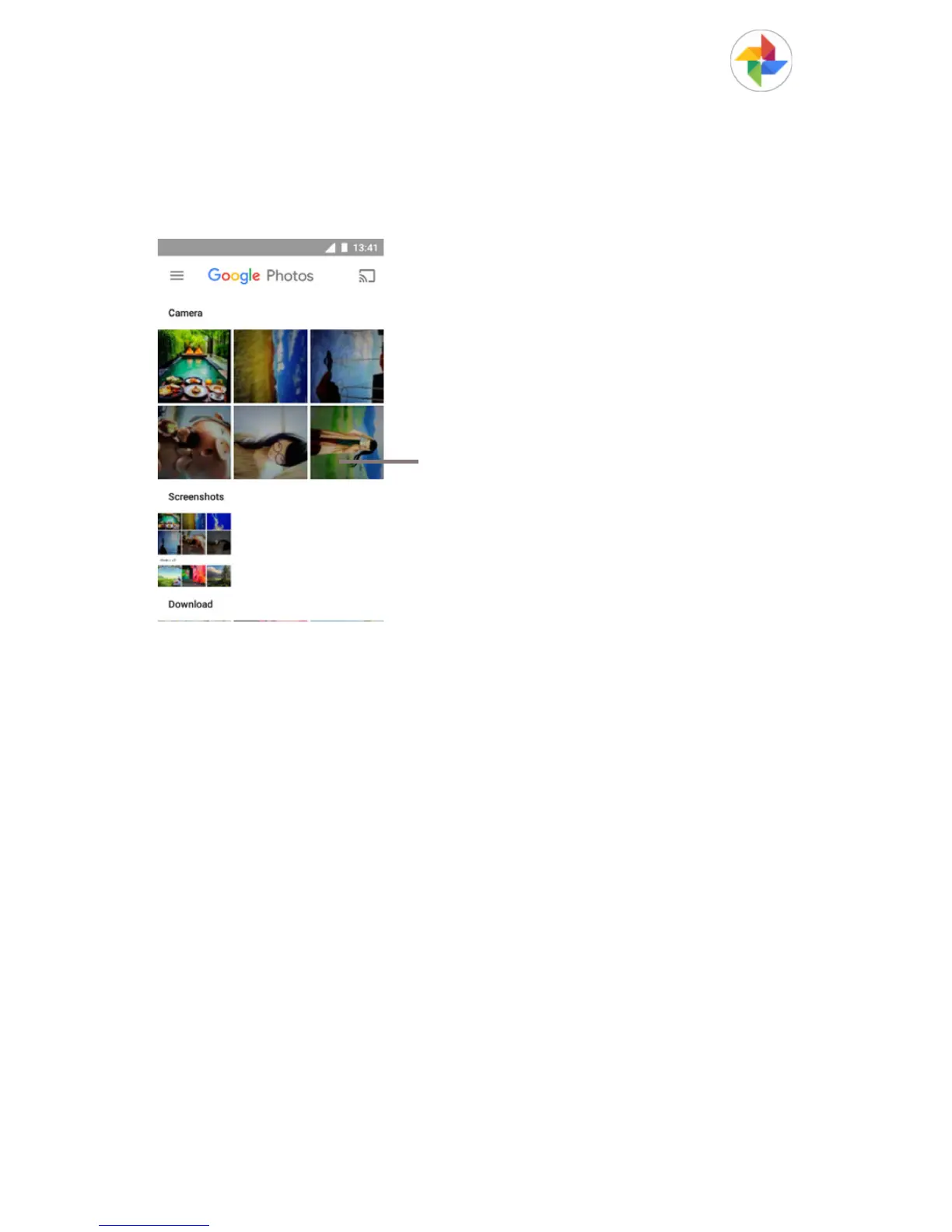
Photos acts as a media player for you to view photos and
playback videos.
To open your Photos, touch the Application tab from the Home
screen, then touch Photos.
Slide upward or downward to view
more albums
To view a picture/play a video
Pictures and videos are displayed by albums in Camera.



 To Next Page