64
To zoom in and out of a map, pinch or spread your fingers, or
you can also zoom in by double-tapping a location on screen.
Touch Tap to see quick cations to get directions , see map
details or etc.
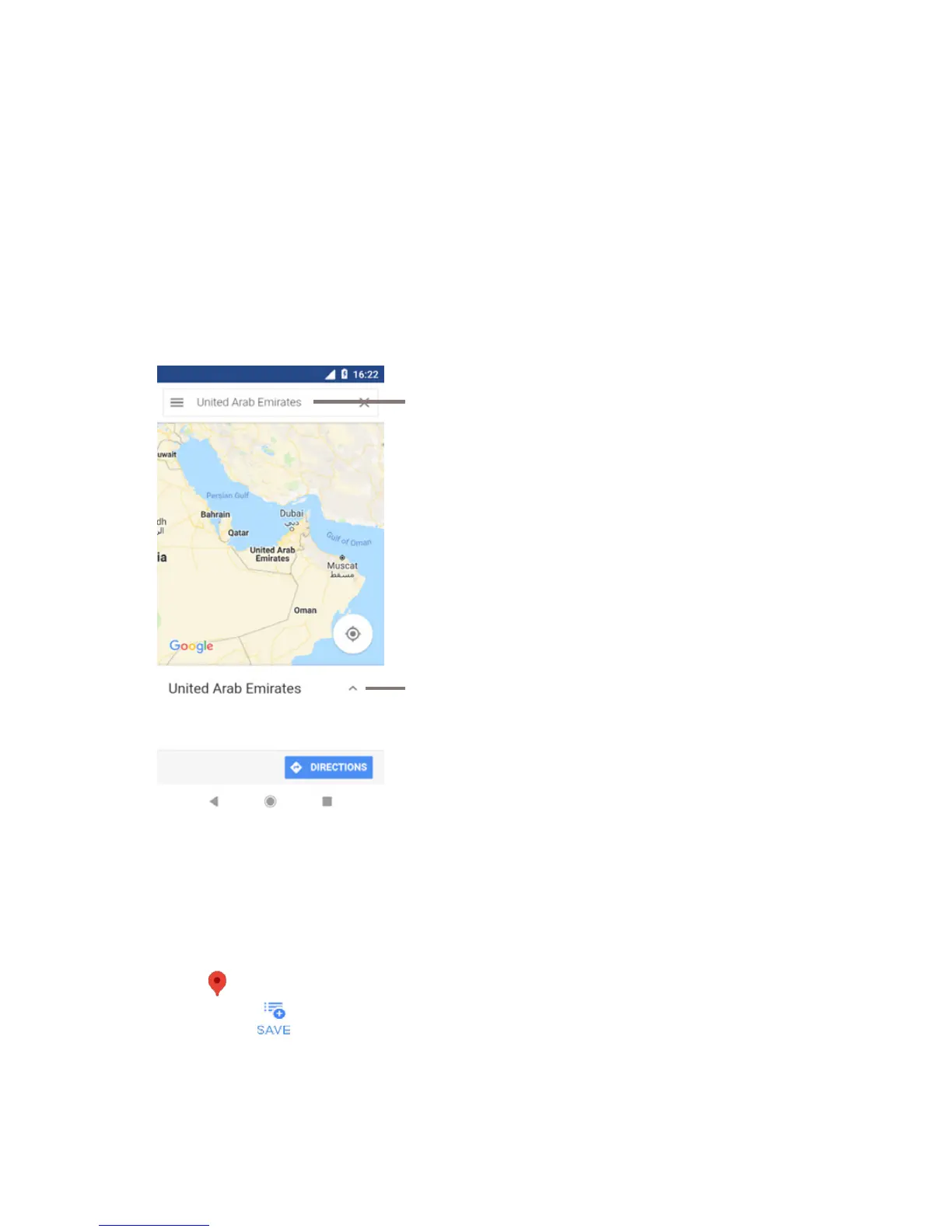
9.2 Search for a location
In the search box, enter an address, a city or a local business.
Touch the search icon to search, and in a while your search
results will appear on the map as red dots. You can touch one to
show a label.
Touch to see more information
Tap to find a place
9.3 Save a location
Just like bookmarking a web address on the Internet, you can
save any position on the map for later use. Just touch the red
drop icon to bring up a menu about the location, then touch
the SAVE icon to save it.
If there is no icon on the point you want to save, tap and hold on
that location on the screen to create one.



 To Next Page