73 74
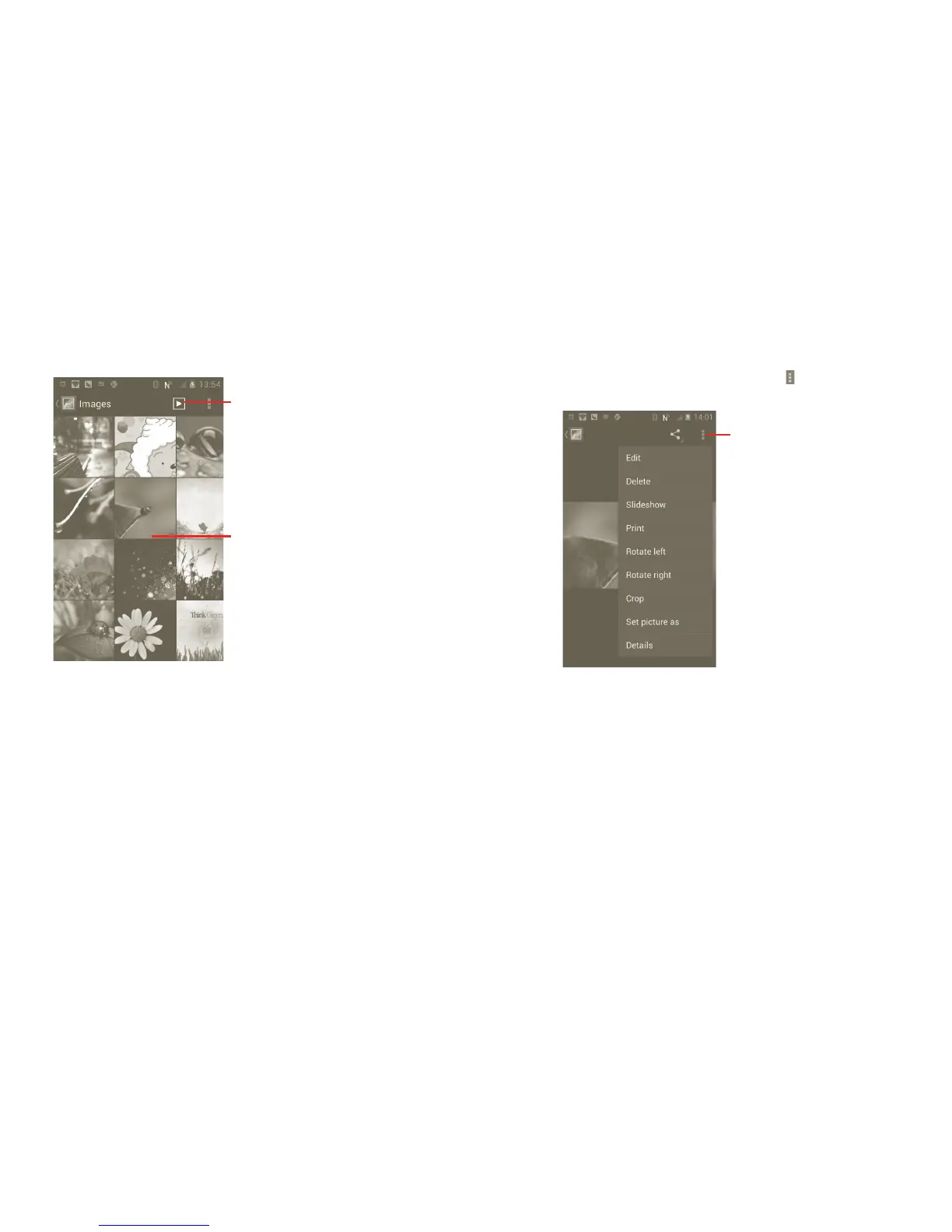
To view a picture/play a video
Pictures and videos are displayed by albums in Gallery.
Touch to view picture in slide mode.
Drag left or right to scroll
through the album quickly.
Working with pictures
You can work with pictures by rotating or cropping them, sharing them with
friends, setting them as contact ID or wallpaper, etc.
Locate the picture you want to work on, press the from full-screen picture
view.
Touch Menu key, four
options will appear below.
To crop a picture, touch a picture to view controls and touch Menu > Crop.
The cropping square appears in the middle of the picture. Select the portion
to crop, touch and Save.



 To Next Page