20 21
3 People
People enables quick and easy access to the people you want to
reach.
You can view and create contacts on your tablet and synchronize
these with your Gmail contacts or other applications.
3.1 Consult your contacts
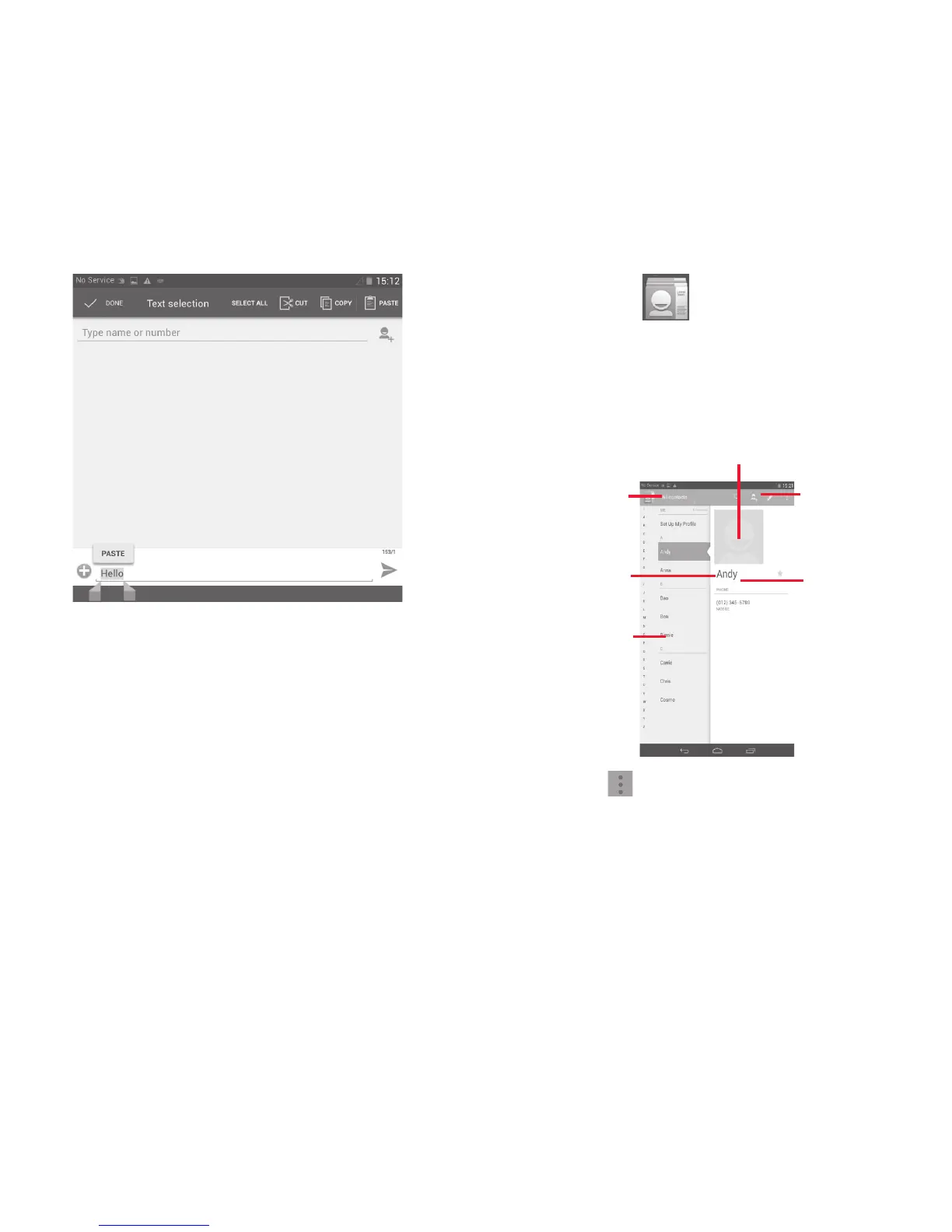
Touch to view the
contact’s detailed
information.
Touch icon to
open Quick
Contact panel.
Touch to view your
contact groups and
favourite contacts.
Touch to search
in People.
Touch to add a
new contact.
Touch the Menu key to display contacts list option menu.
Following actions are enabled:
• Delete contact Select and delete unwanted contacts.
• Contacts to
display
Choose contacts to display.



 To Next Page