74 75
To create a playlist
Touch Recently added from Playlists screen, touch the
icon and
then select Save as playlist, enter the name and finally touch Save.
To delete a playlist
Touch and hold a playlist to show the menu, then touch Delete.
To rename a playlist
Touch and hold a playlist to show the menu, then touch Rename.
When finished, touch Save to confirm.
8.5 Video Player
Video player is a small built-in video player that lists all your videos.
Touch an item from the list to play. While playing, use Pause,
Forward and Back functional icons as required, touch a point on the
timeline to jump to and play from.
9 Google Maps
9.1 Get My Location
9.1.1 Choose a data source to decide My Location
Drag down notification panel and touch to access Settings, touch
Location access.
Mark the checkbox of Access to my location and Google's location
service.
Turn on GPS satellites to set GPS as My Location data source.
9.1.2 Open Google Maps and view My Location
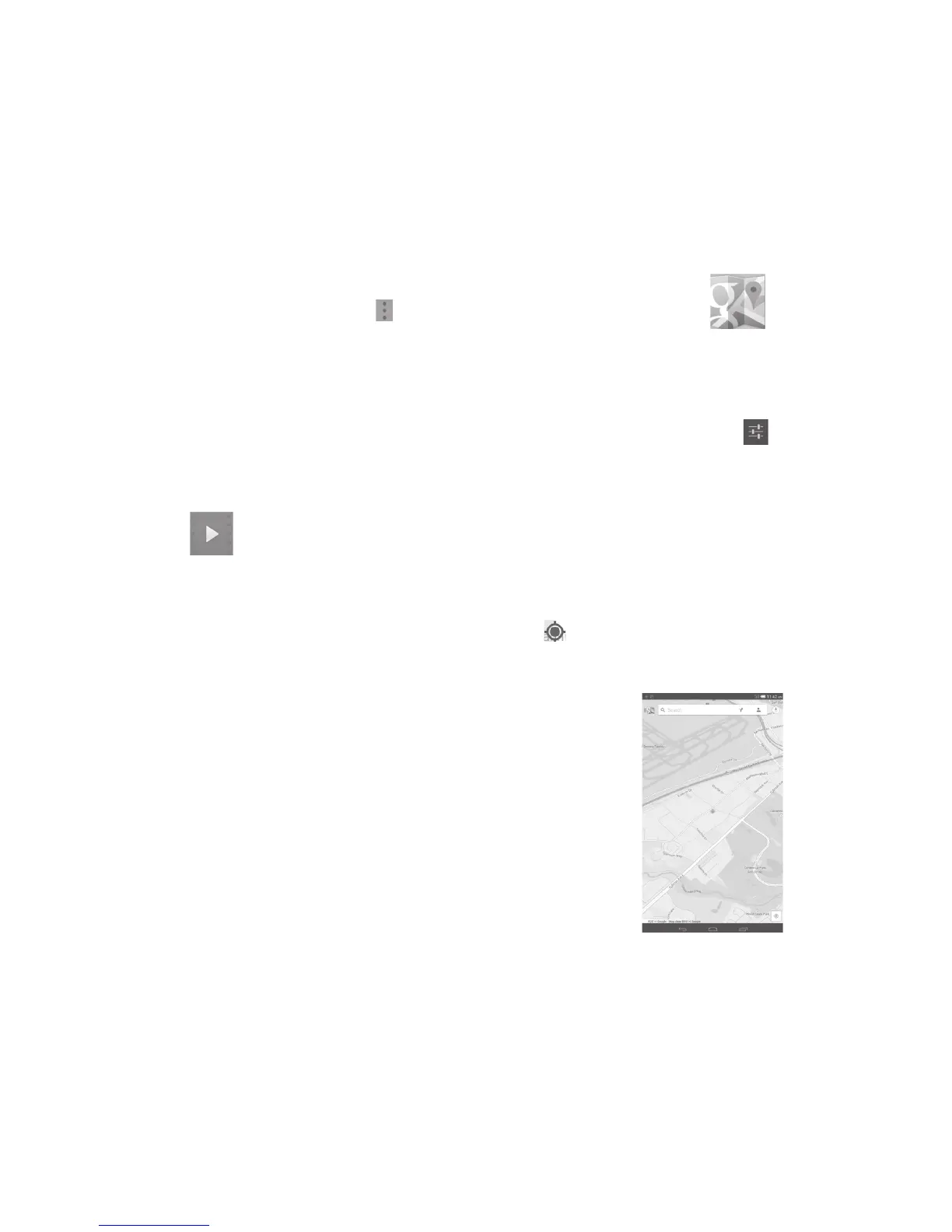
Touch Maps from the Home screen.
Touch
icon on the map to view My Location.
The map will then center on a blue dot with a blue circle around.
Your actual position is within the blue circle.



 To Next Page