9
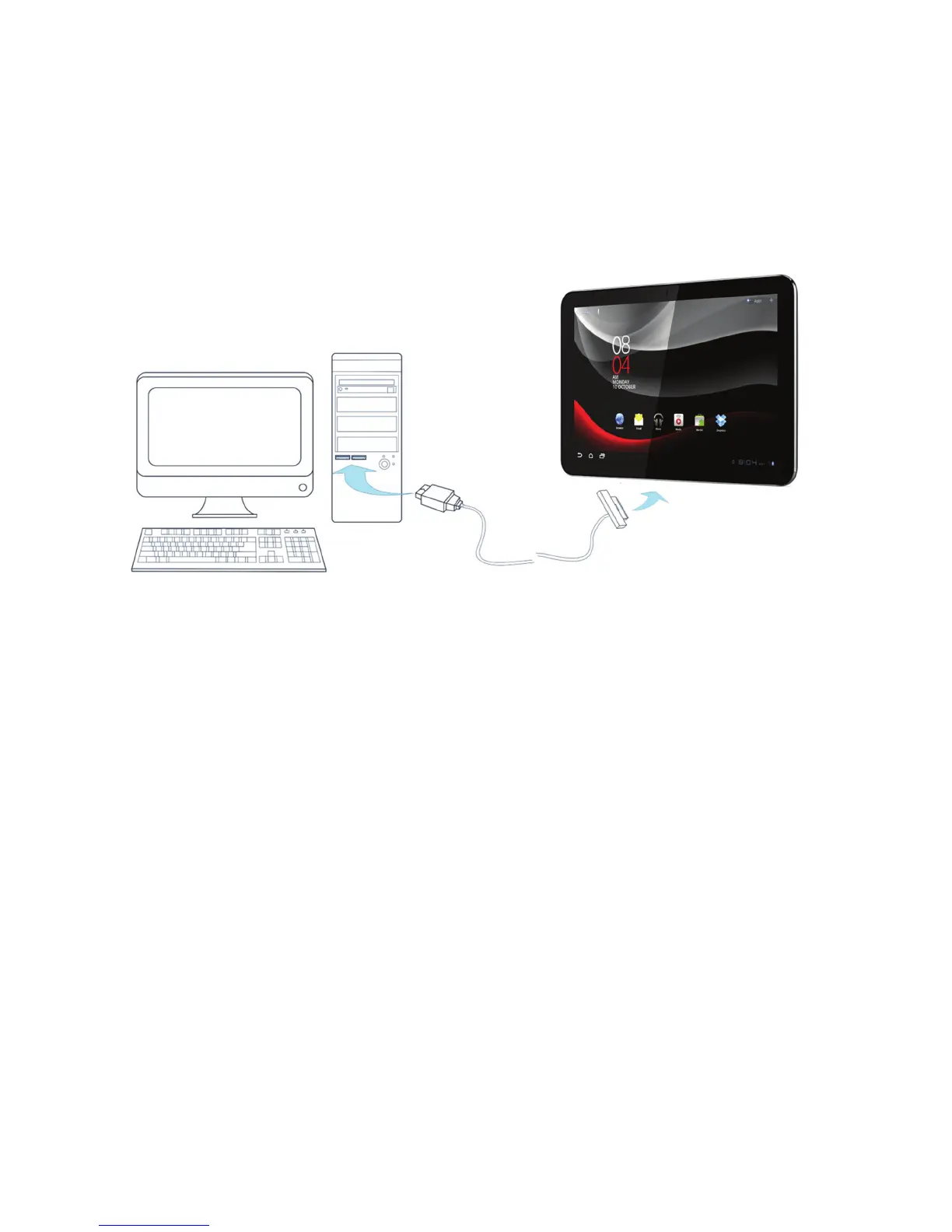
Connecting to PC computer
When you make use of the PC data cable directly with a PC computer, the PC data
cable connects the PC computer with the USB connector on one end and the Smart
Tab with the 40-pin connector on the other end.
Powering on/off your Smart Tab
1. Make sure that your SIM card is installed.
2. Press and hold
Power Key
to power on your Vodafone Smart Tab.
3. To power off your Vodafone Smart Tab, hold
Power Key
to get the options, and
then press
OK.
Notes:
•
If the unlikely scenario occurs were your device is charged and does not power
on by pressing the power button for 1-2 seconds, please keep the button
depressed for a further 10 - 20 seconds to perform a device power reset. After
this is done, pressing the power button again for 1-2 seconds should start the
device as normal.



 To Next Page