15
Rotate the screen
For most screens, you can automatically change the screen
orientation from portrait to landscape by turning the phone
sideways.
NOTE:
The auto-rotate feature needs to be enabled for the screen
orientation to automatically change. Touch
> >
Settings > Display > When device is rotated and select
Rotate the contents of the screen.
You can also access the screen rotation control by sliding
down the status bar twice, slide left and touch
Auto-rotate/Portrait.
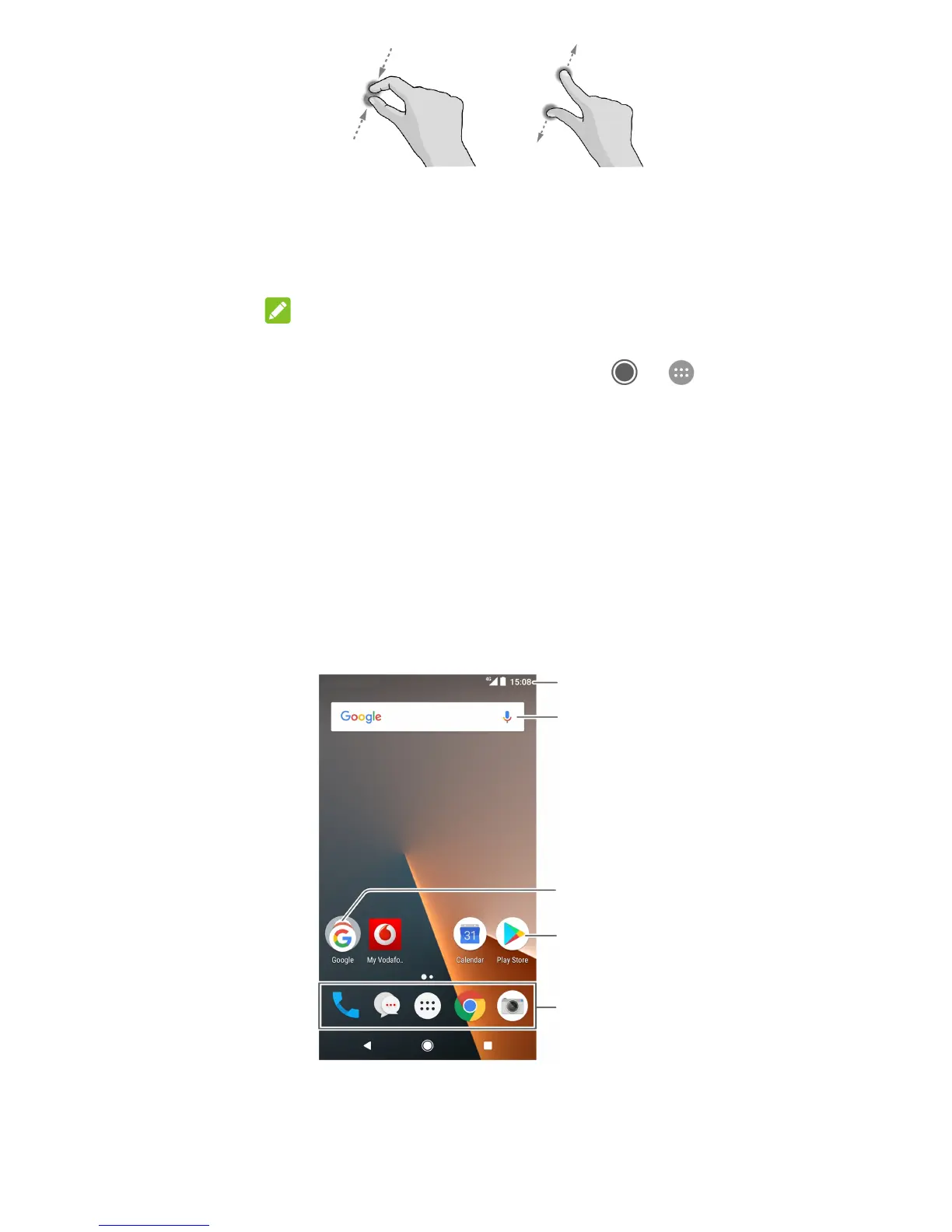
Getting to know the home screen
The home screen is the starting point for your phone’s
applications, functions, and menus. You can customise your
home screen by adding shortcuts, folders, widgets, and more.
Primary shortcuts
Shortcut
Folder
Google search
Status bar



 To Next Page