9
* Supports CTIA headsets only.
Knowing the keys
Key Function
Power key Press and hold to power off, restart, turn
on or off flight mode, or capture the
screen.
Press to turn off or on the screen
display.
Volume key Press or hold either end of the key to turn
the volume up or down.
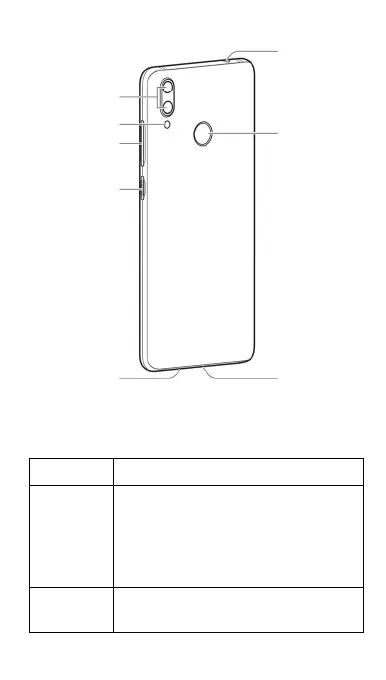
Power key
Headset jack*
Charging/USB
Type-C jack
Speake
Dual-flash
Dual-lens
camera
Fingerprint
sensor
Volume key



 To Next Page