18
Extended home screen panels
Your home screen is extendable, providing more space for
shortcuts, widgets, or folders. Simply swipe right to left on the
home screen to see the extended panels, if already
configured. You can also add or remove home screen panels,
or adjust their order.
To add a new home screen panel:
1. Touch
to access the home screen.
2. Touch and hold an item such as a shortcut, a folder or a
widget on the screen and drag it to the right edge of the
screen to create a new home screen panel and put the
item on it.
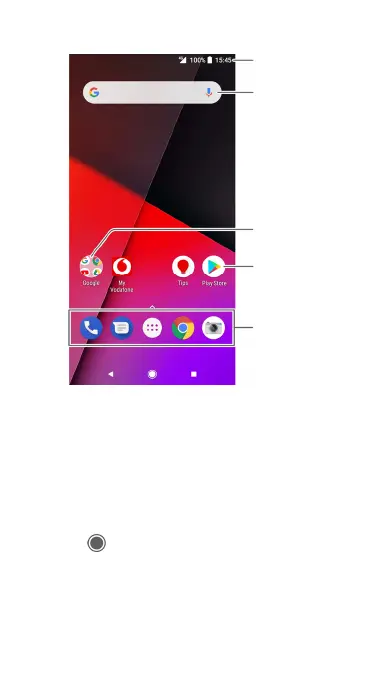
Favourites tray
Shortcut
Folder
Google search
Status bar



 To Next Page