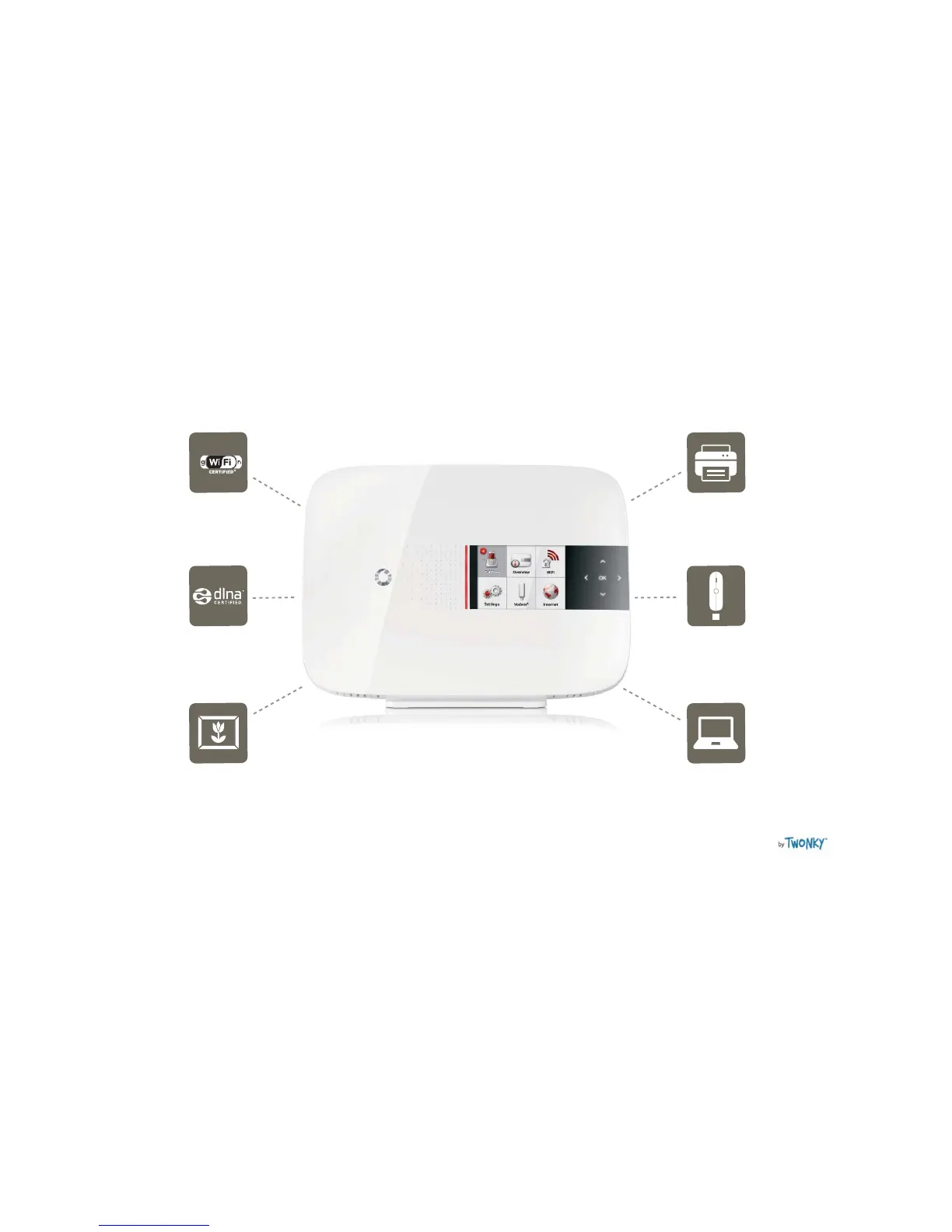
1.1 Vodafone Station features
WiFi
Manage your WiFi connection
directly from the modem.
Share a printer
Connect a printer to the
Vodafone Station via USB and
you can print to it from any
device connected to your
network in your home or offi ce.
Back up Vodem
Stay online using a Vodem® as
a back up internet connection if
there’s an outage or you’re waiting
to be connected. Additional data
charges will apply.
Vodafone Media Manager
Your Vodafone Station comes with
a user licence for Vodafone Media
Manager by Twonky® – this media
management software for Windows
PCs allows you to share all your
music, photos and videos with UPnP
or DLNA-compatible digital media
players throughout your home.
To set up Media Manager go to
vodafone.co.nz/station
DLNA compatible
Enable DLNA so you can share
media and content between
the Vodafone Station and other
DLNA compatible devices, such
as Sony’s Playstation3, Smart
TVs and smart phones.
Share a hard drive
Connect a hard drive to the Vodafone
Station via USB and you can share
all your saved documents, photos,
music and videos to any device
connected to your network in your
home or offi ce.


 To Next Page
 Loading...