1. Before testing, you need to install the iPerf test software
on a PC.
2. Detect communication between terminals and PC,
analysis of delay, jitter and drop.
3. Test steps:
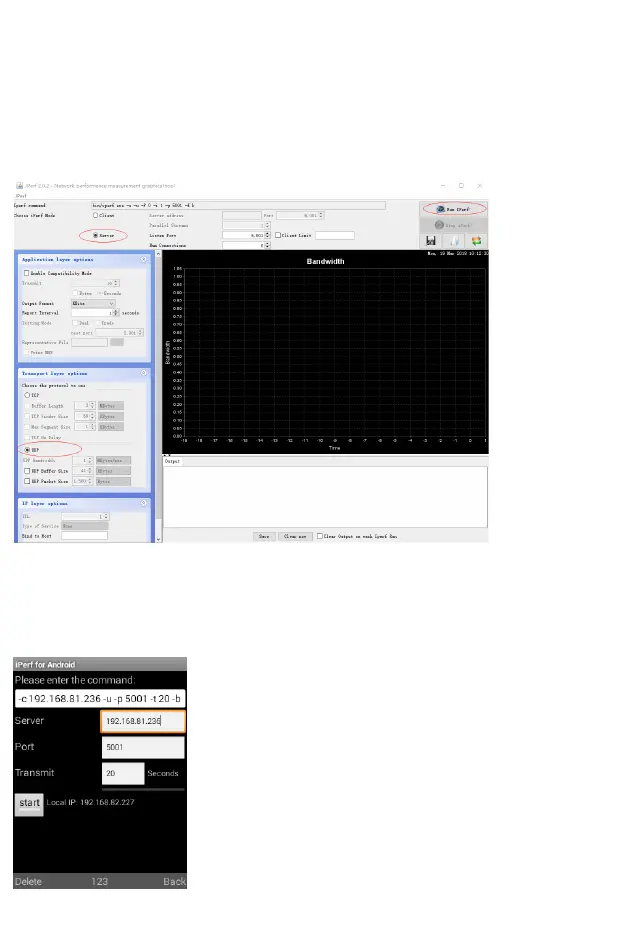
3-1 Open the iPerf software on the PC and configure the UDP
and server mode, as shown in the screenshot below:
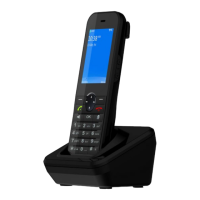
3-2 Handheld terminal via the Menu Advanced iPerf,
open iPerf test software, just enter the address of the server,
then use the arrow keys to move to Start, and click the left
soft button to Start the test.


 To Next Page