Need help?
Do you have a question about the Vokkero VO8364AA and is the answer not in the manual?
Information on accessing VOKKERO's website for support and required details.
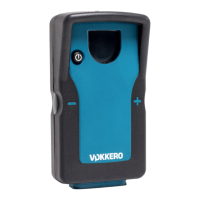
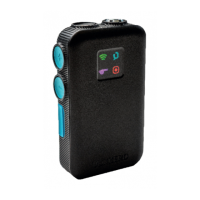
Description of the terminal's interface, including buttons, LED, and ports.
Description of the charger/configurator's interface and its components.
Guide to initiating an audio conference, including Master role identification and quick config.
Configuration for VAR Football use case, pairing terminals and assigning roles.
Configure individual terminal properties like name, ID, audio, and mic settings.
Configure network-wide settings like channel mode and encryption.
Adjust configurator display, security, and software version information.
 General
| Brand | Vokkero |
|---|---|
| Model | VO8364AA |
| Category | Conference System |
| Language | English |


 To Next Page