The radio stations are responsible for the
content of the information sent.
Station buttons
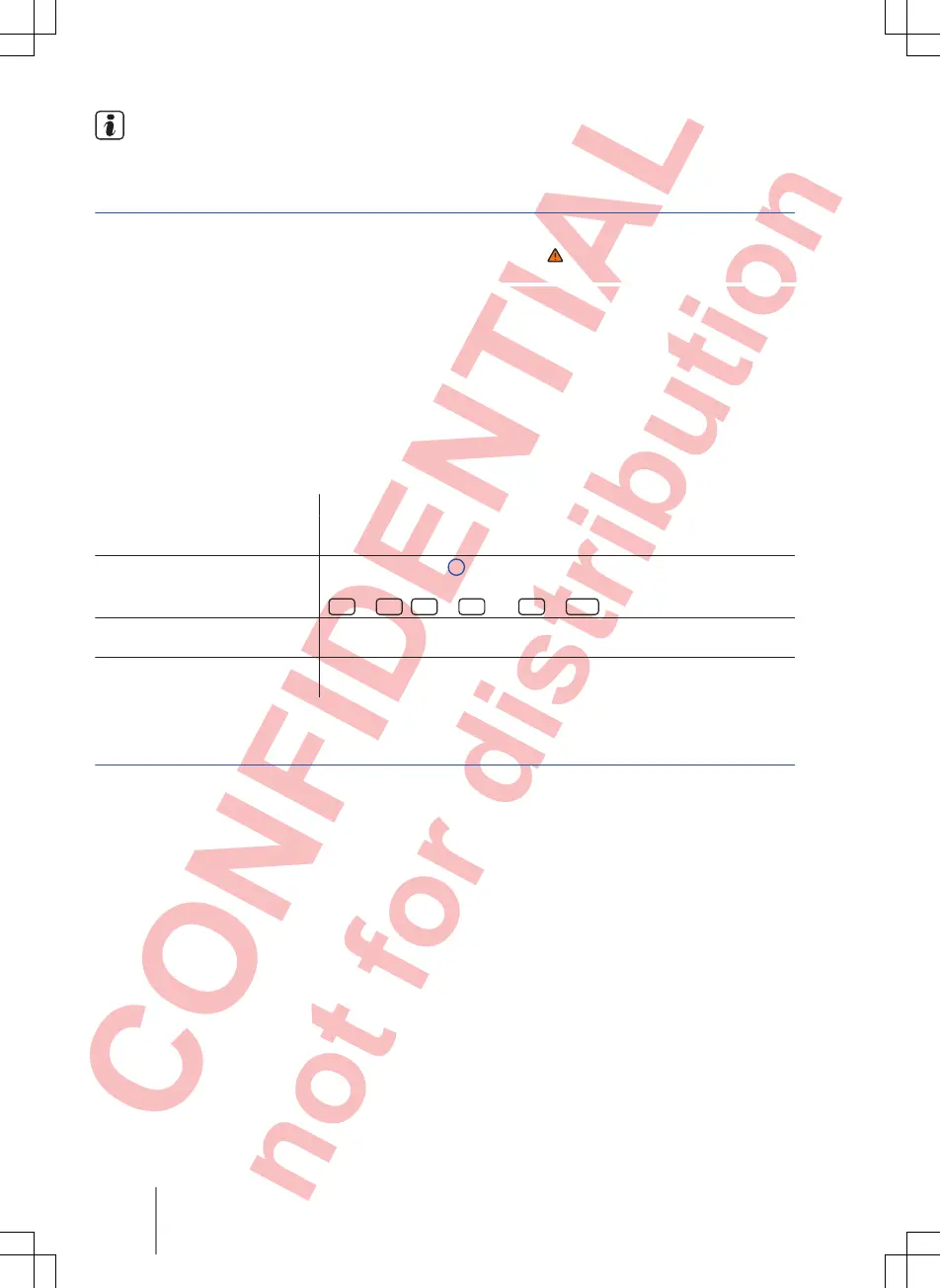
Fig. 9 RADIO main menu
First read and observe the safety warn-
ings on page 3 and the introductory
information on page
12.
In the RADIO main menu, you can store stations
from the currently selected frequency band on
12 consecutively numbered function buttons.
These function buttons are called station buttons.
Selecting stations via the station
buttons
Touch the station button that shows the required station.
When a stored station is selected via the station buttons, it will only be
played if it can be received at your current location.
Changing station button group
Touch the ⇒ Fig. 9
1
function button.
The station buttons are displayed in groups of four function buttons
(
1 ...
to
4 ...
,
5 ...
to
8 ...
and
9 ...
to
12 ...
).
Displaying station buttons
If radio text is shown instead of the station buttons, touch radio text in
order to show the station buttons.
Storing stations to station but-
tons
See Storing stations ⇒ page 15
.
Selecting, setting and storing stations
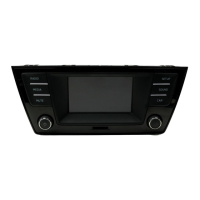
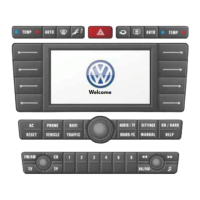
Fig. 10 RADIO main menu Fig. 11 Radio mode station list
Composition Touch, Composition Colour14



 To Next Page