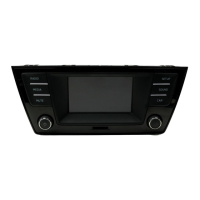
Changing tracks in the MEDIA main menu
Fig. 19 MEDIA main menu
First read and observe the safety warn-
ings on page 3 and the introductory
information on page
20.
You can browse through the tracks of the media
source that is currently playing using the arrow but-
tons.
Y
ou cannot switch to playback from a playlist us-
ing the arrow keys. Playback from a playlist must
be started manually via the track selection menu
⇒ page 24, Selecting tracks from the track list.
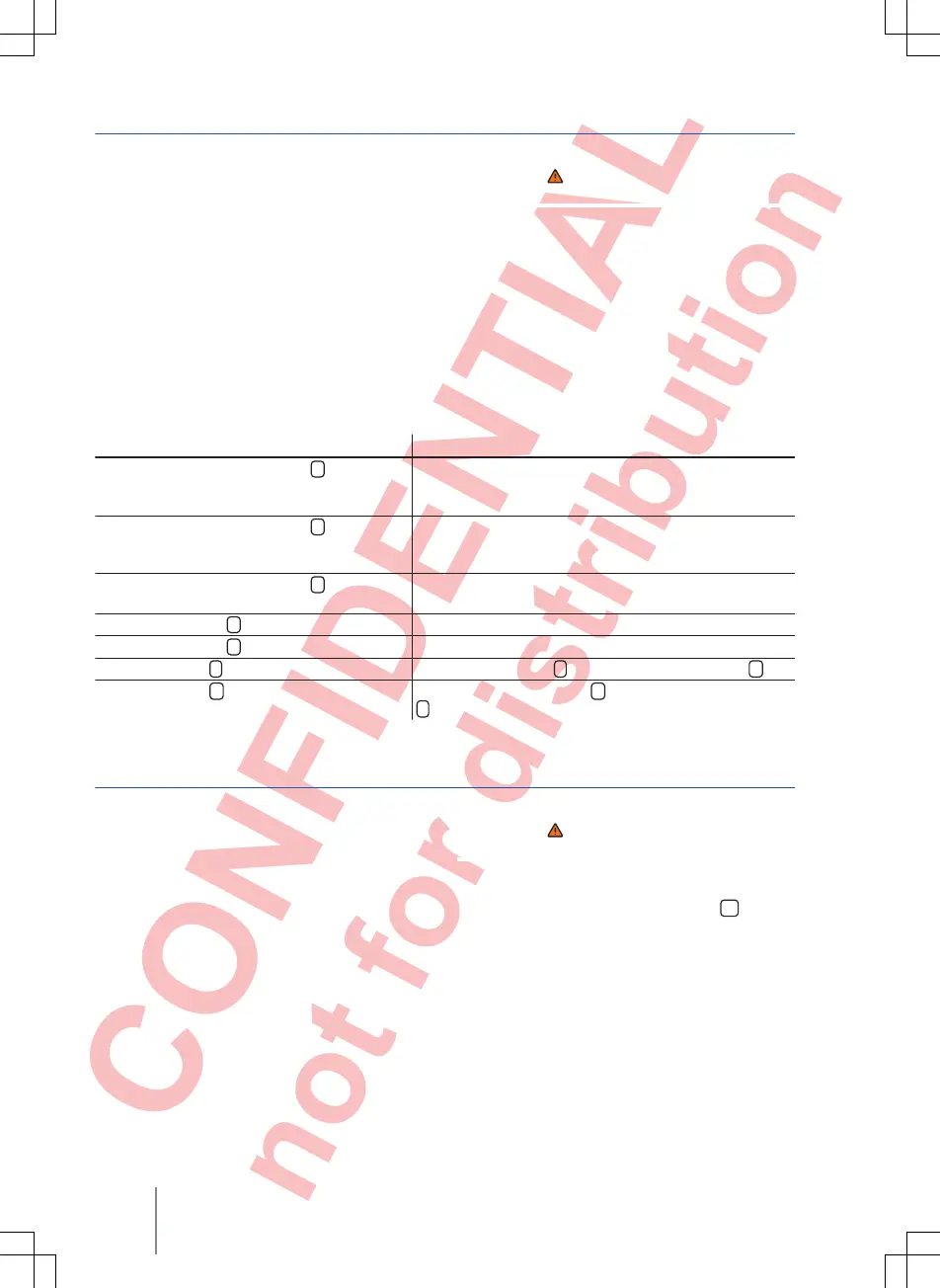
Controlling playback via the MEDIA main menu
Action Effect
Briefly touch the function button
<
once. Goes to the start of the current track. If the track is short-
er than 3 seconds, the system goes to the start of the
previous track.
Briefly touch the function button
<
twice. Goes to the start of the previous track. Changes from the
first track to the last track on the storage device that is
being played.
Briefly touch
the function button
>
once. Goes to the next track. Changes from the last track to
the first track on the storage device that is being played.
Press and hold the
<
function button. Fast reverse.
Press and hold the
>
function button. Fast forward.
Briefly touch the
function button once. Playback stops. The
function button changes to
.
Briefly touch the
function button once. Playback is resumed. The
function button changes to
.
Selecting tracks from the track list
Fig. 20 Track list from a media source
First read and observe the safety warn-
ings on page 3 and the introductory
information on page
20.
Opening the track list
● In the MEDIA main menu, touch the
function
button ⇒ Fig. 19 to open the track list.
The track
that is currently playing is highlighted ⇒ Fig. 20.
● Search through the track list and touch the de-
sired track.
If track information is available, the track name is
displayed instead of Track + No..
Composition Touch, Composition Colour
24



 To Next Page