EasyManua.ls Logo

Volkswagen VAS 6150 - User Manual

Volkswagen VAS 6150
17 pages
Print Icon
To Next Page IconTo Next Page
Loading...
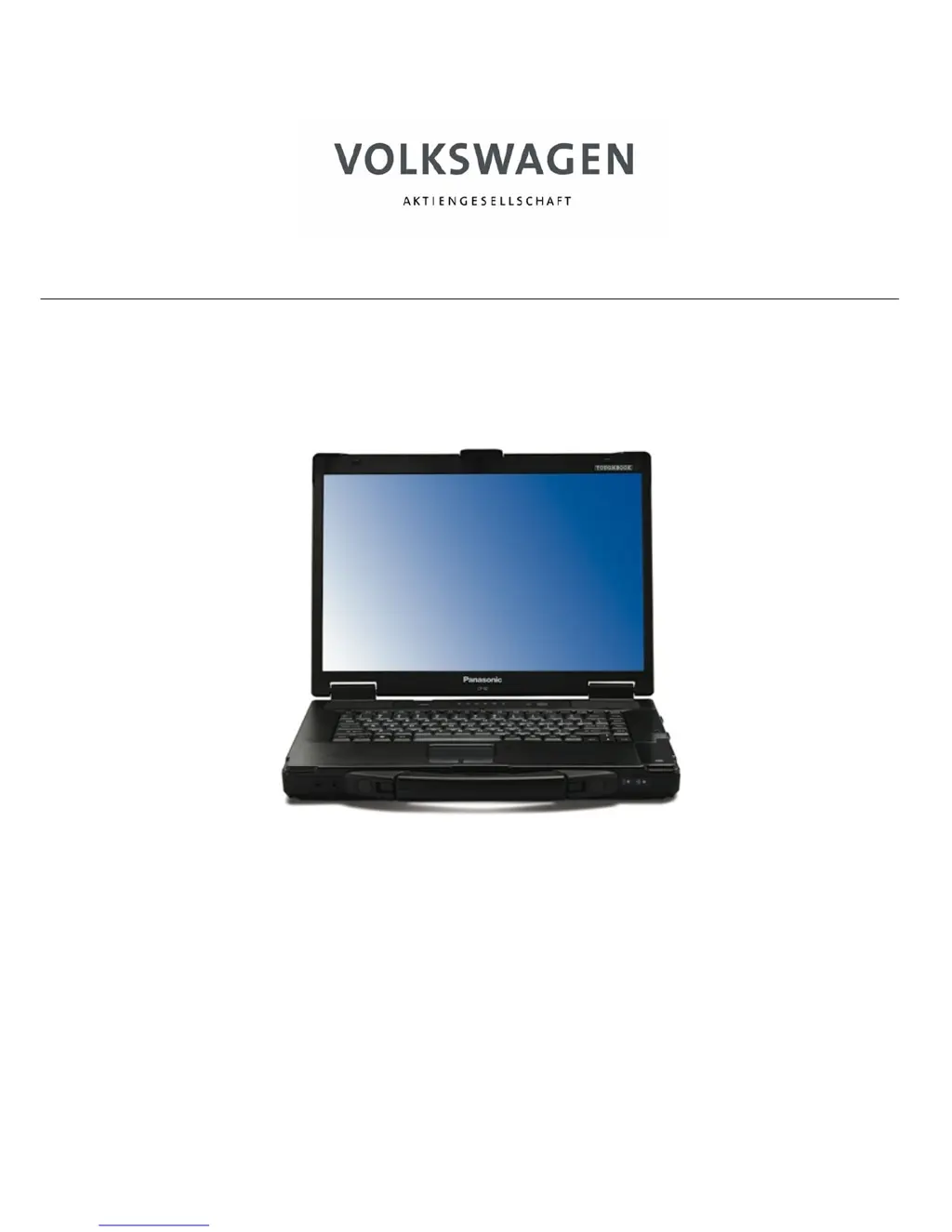
VAS 6150 – Diagnostic-Laptop
System supplier:
Volkswagen Aktiengesellschaft SPX EUROPE GMBH
Konzern-Service SPX Service Solutions Europe
Werkstattausrüstung Porschestrasse 4
D-38436 Wolfsburg 63512 Hainburg
Startup/unpacking instructions V 1.00

Questions and Answers

Summary

Safety Instructions

Signs and Symbols

Explains the meaning of warning, caution, and tip symbols used in the manual.

Important Safety Instructions

Safety Instructions for Radio-Operated Devices

Important Information

Damages in Transit; Incomplete Delivery

Details reporting procedures for transit damages or incomplete delivery.

Temperature Equalization

Advises acclimatizing the device for 3 hours before use to prevent condensation.

Safety and Startup Instructions

Emphasizes reading safety and startup instructions before initial device operation.

Warranty and Registration

Outlines mandatory device registration with SPX Europe GmbH for warranty coverage.

Unpacking Instructions

Scope of Delivery

Installing the Batteries

Power Supply

Startup

Interface Connections

Guides on connecting interfaces for the laptop and docking station.

Turning On

Instructions on how to turn on the VAS 6150 diagnostic laptop.

Switching Off

Instructions on how to properly shut down the VAS 6150 diagnostic laptop.

Windows XP License Agreement

Explains the requirement to accept the Windows XP license agreement upon first startup.

Diagnostic Radio Head VAS 5054 A

Details the VAS 6150's Bluetooth interface for the VAS 5054A diagnostic radio head.

Diagnostic Interface VAS 5055

Explains the VAS 5055 diagnostic interface connection via USB cable.

Further Information

Advises reading the Panasonic CF-52 manual and software documentation for details.

Troubleshooting

VAS 6150 Registration Card

Volkswagen VAS 6150 Specifications

General IconGeneral
BrandVolkswagen
ModelVAS 6150
CategoryLaptop
LanguageEnglish