65-00484
FAS_QS_65-00484_VA-00439-0313
2. Insert the power supply plug into the power
receptacle on the rear of the unit. Plug the
appropriate cord into the power supply and
into a working electrical outlet.
3. Put the included AAA batteries
in the remote.
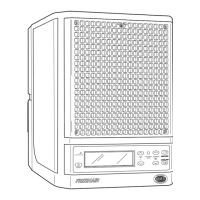
1. For optimal performance, place
your unit as high up as practical
(on a bookcase, high shelf, or other
stable surface).
Battery
compartment
(2 AAA)
For increased smoke and odor control, set the
unit to HIGH (see your owner's manual), then use
the PURIFIER UP and PURIFIER DOWN buttons
to adjust the purification level to its lowest
setting (250ft
2
or 23m
2
). After the first 24 hours
of operation, gradually adjust up to the square
footage (or square meters) of the indoor area. The
purifier setting should not exceed the total area of
the indoor environment.
See your owner's manual before using the AWAY
MODE feature.
QUICK START
Refer to your
owner's manual
for complete set
up and adjustment
procedures.
Power ON/OFF
Fan UP
Away Mode
ON/SET/OFF
Purifier UP
Purifier
DOWN
Fan
DOWN
Normal/
High
Reminder
Reset
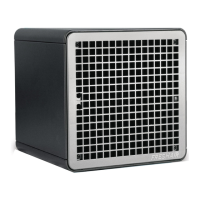
NOTE: Your FreshAir has been shipped with a Purification Plate installed.
CAUTION: Allow your FreshAir Surround to warm to room temperature before operating.
Damage may result from turning on a cold unit.

 To Next Page
 Need help?
 General