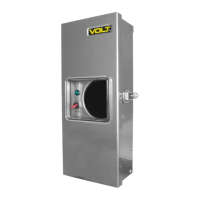
Set your timer to the desired function for everyday use.
The next page will show you in detail the various timer
functions.
Quick Start Step 13
Close the transformer door ensuring a tight seal.
Quick Start Step 14
www.voltlighting.com
If needed, you can adjust your xture voltage by using a higher
voltage at the transformer terminal.
CAUTION: When adjusting low voltage wires, be sure to unplug
your transformer prior to switching terminals
.
Quick Start Step 12
4
H
r
s
6
H
r
s
8
H
r
s
1
0
H
r
s
O
F
F
O
N
2
H
r
s
D
a
w
n
D
u
s
k
-
2 Hrs: Function that keeps lights
on for 2 hours after dusk.
4 Hrs: Function that keeps
lights on for 4 hours after dusk.
6 Hrs: Function that keeps
lights on for 6 hours after dusk.
8 Hrs: Function that keeps
lights on for 8 hours after dusk.
10 Hrs: Function that keeps
lights on for 10 hours after dusk.
OFF: Manual off function
ON: Manual on function
Dusk - Dawn: Photocell function that turns transformer on at dusk
and off at dawn.
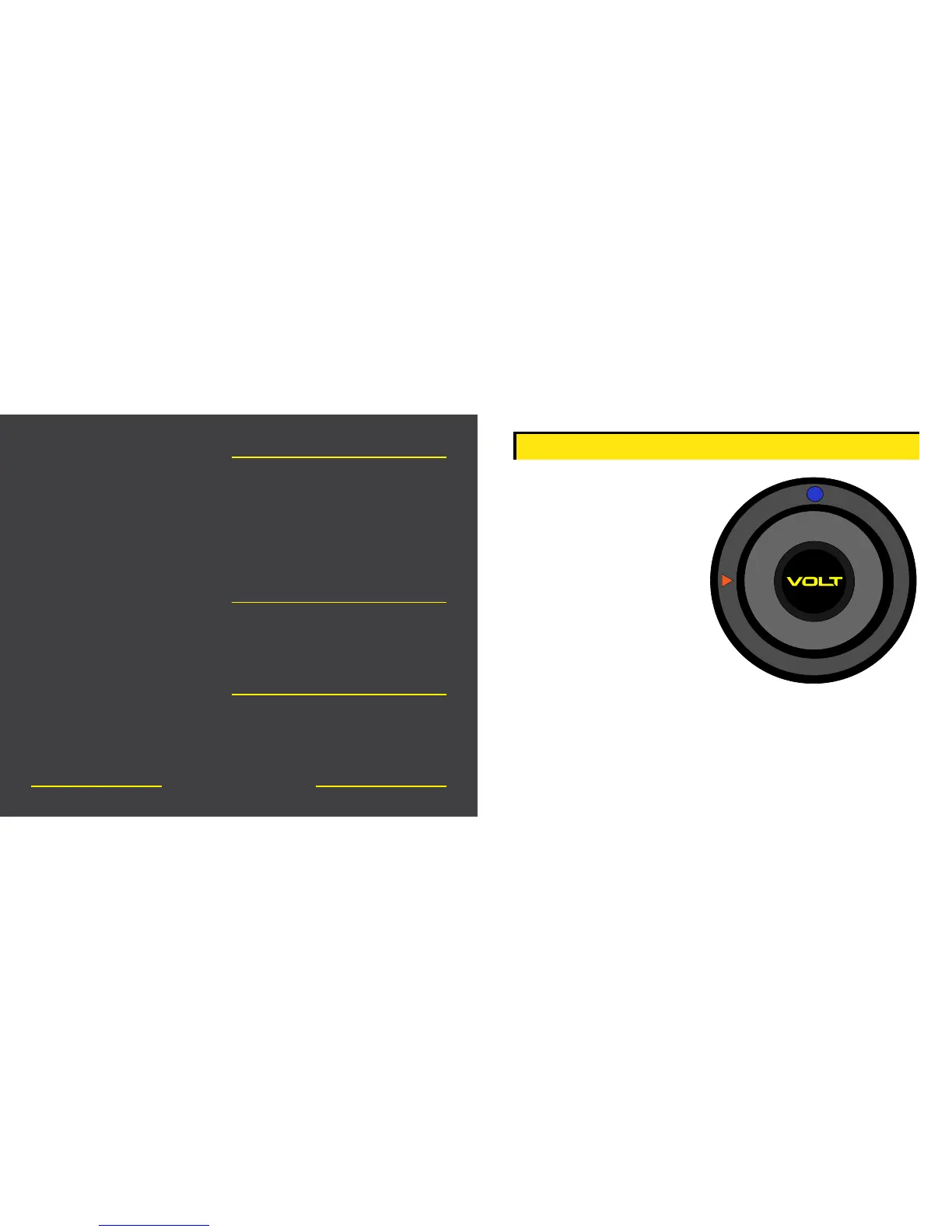
Pilot Light: This lets you know that the timer has power and is
functioning properly. Note that it will take a few seconds to light
up.
TIMER FUNCTIONS


 To Next Page
 Loading...