30
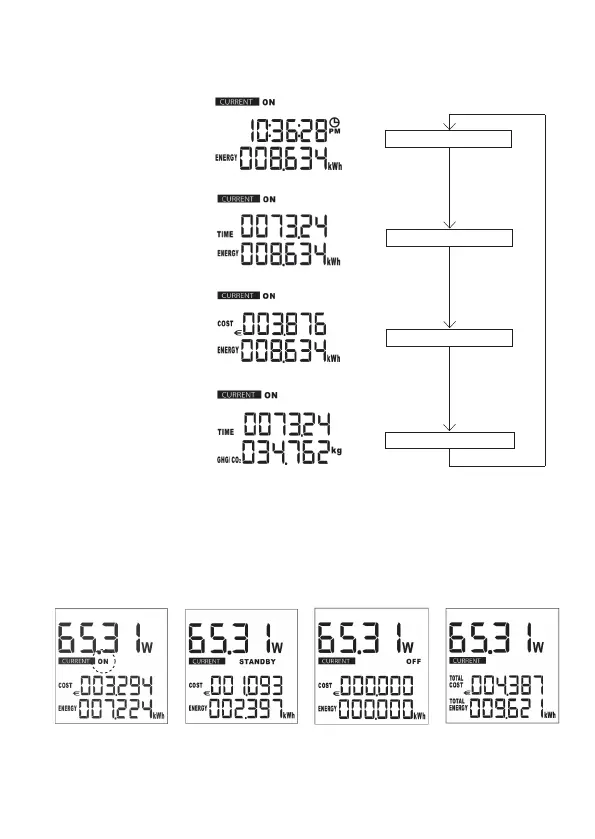
Menu sequence of lower display area (7)
g. 3
Clock, energy (kWh)
Time, energy (kWh)
Time, greenhouse gas
g. 5
g. 4
Costs, energy (kWh)
g. 6
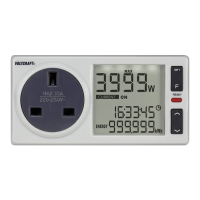
In current mode (CURRENT), use the SET (3) button to select the display function “ON”,
“STANDBY”, “OFF” or no display (total value). If no display function has been selected, the display
will show the total value.
g. 9g. 8
g. 7 g. 10









 To Next Page