27
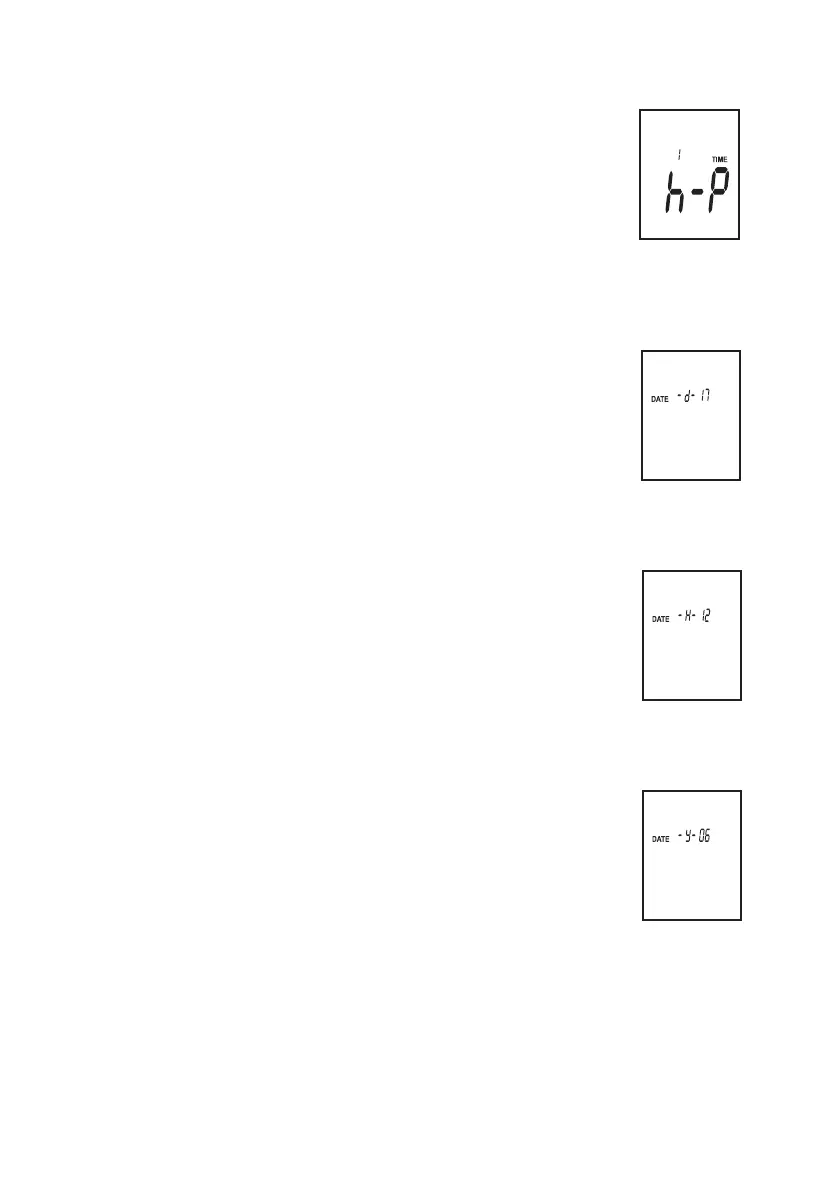
C) Setting the time (hours)
- In the SETUP menu, press the button „SETUP“ 2x.
- The display for setting the hours appears. The time format corre-
sponds to 12h (P = afternoon / A = morning).
- Press the „LEVEL“ button to set the current time in hours. Keep the
button depressed to set the value faster. the values ascend and
start again at the beginning.
- Switch to the next setting with the button „SETUP“, or complete
your setting with the button „HOLD“.
D) Setting the date (day)
- In the SETUP menu, press the button „SETUP“ 3x.
- The display for setting the day appears.
-
Press the „LEVEL“ button to set the current day. Keep the button
depressed to set the value faster. The values ascend and start again at
the beginning.
- Switch to the next setting with the button „SETUP“, or complete your
setting with the button „HOLD“.
E) Setting the date (month)
- In the SETUP menu, press the button „SETUP“ 4x.
- The display for setting the month appears.
- Press the „LEVEL“ button to set the current month. Keep the button
depressed to set the value faster. The values ascend and start again at
the beginning.
- Switch to the next setting with the button „SETUP“, or complete your
setting with the button „HOLD“.
F) Setting the date (year)
- In the SETUP menu, press the button „SETUP“ 5x.
- The display for setting the year appears.
- Press the „LEVEL“ button to set the current year. Keep the button
depressed to set the value faster. The values ascend and start again at
the beginning.
- Switch to the next setting with the button „SETUP“, or complete your
setting with the button „HOLD“.



 To Next Page