www.Volumatic.com 25-201679 CE Advanced Configuration Manual Issue 4.0 Feb 2011
Page 2 of 6
NOTE ENABLE?
This menu allows three options to individual note denominations ON, OFF and NO SCROLL.
If a note is ON it will be selectable via the button and will be included in any auto-scroll sequence.
If a note is OFF it will not be selectable via the button and will not appear in the auto-scroll sequence.
If a note is NO SCROLL it will be selectable via the button and will not appear in the auto-scroll sequence.
This feature along with the duplicate set of notes marked with a * provides future proofing where notes of the same
denomination but of a different weight enter and/or leave circulation and where a pre-set number of completely new
denominations enter circulation. It will also allow you to switch OFF specific denominations that you may not count in
your operation or to remove them from the auto scroll sequence when they are rare.
As and when there may be a requirement to use the above configuration option due to the above scenarios further
instructions will be added to the Volumatic website.
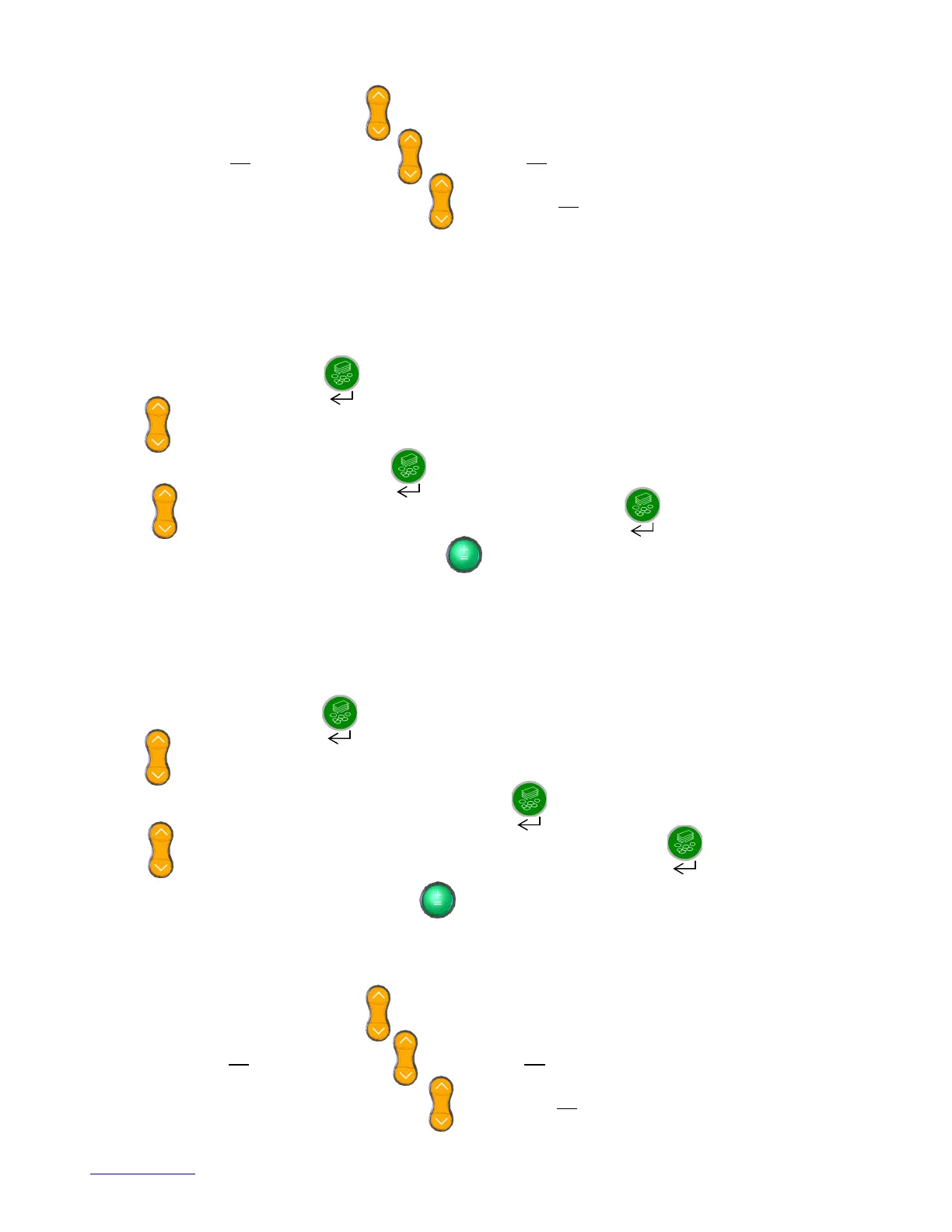
To enter NOTE ENABLE press the button when the display reads NOTE ENABLE?
Use the button to scroll through the denomination options available.
To select a particular denomination press the button when the required denomination is displayed.
Use the button to select either ON, OFF or NO SCROLL and then press the button to select the option
required.
To move back to the main menu options press the button.
NOTE WEIGHT?
This menu option allows you to adjust each individual note centre weight through the keyboard within the
range 0.500g and 9.999g.
It is important to note that if the centre weight is changed the internal learnt weight is automatically reset to the same as
the new centre weight so any learning that has previously taken place is forgotten. This option offers future proofing
where there are changes to existing note weights and for new note weights to be set up.
To enter NOTE WEIGHT press the button when the display reads NOTE WEIGHT?
Use the button to scroll through the denomination options available.
To select to change the weight of a note denomination press the button when the required denomination is
displayed.
Use the button to adjust the note weight to the required setting and then press the button to accept
the new weight.
To move back to the main menu options press the button.
COIN ENABLE?
This menu allows three options to individual coin denominations ON, OFF and NO SCROLL.
If a coin is ON it will be selectable via the button and will be included in any auto-scroll sequence.
If a coin is OFF it will not be selectable via the button and will not appear in the auto-scroll sequence.
If a coin is NO SCROLL it will be selectable via the button and will not appear in the auto-scroll sequence.


 To Next Page
 Loading...