10 Audio
Audio functions
10
``
243
Equalizer rear… are only intended to enable
the user to adapt sound reproduction to his/her
personal preferences.
1.
Press SOUND (5). Press this button
repeatedly until you come to the setting
that you wish to change.
2.
Turn the TUNING dial (4) to make the
desired setting.
The following settings can be made:
BASS–set the bass level
TREBLE–set the treble level
BALANCE–set the left/right sound balance
FADER–set the front/rear sound balance
CENTER–make settings for the center speaker
SURROUND–make settings for surround
sound
Surround sound
Surround sound settings are used to
balance sound levels throughout the
vehicle. Surround settings for the var-
ious sound sources are made sepa-
rately.
G021216
NOTE
•
Dolby Surround Pro Logic II is only
available on the Premium Sound sys-
tem.
•
When listening to FM radio stations,
Dolby Surround Pro Logic II functions
best in areas with strong reception. If
reception is weak, selecting 2 or 3-
channel stereo may provide better
sound quality.
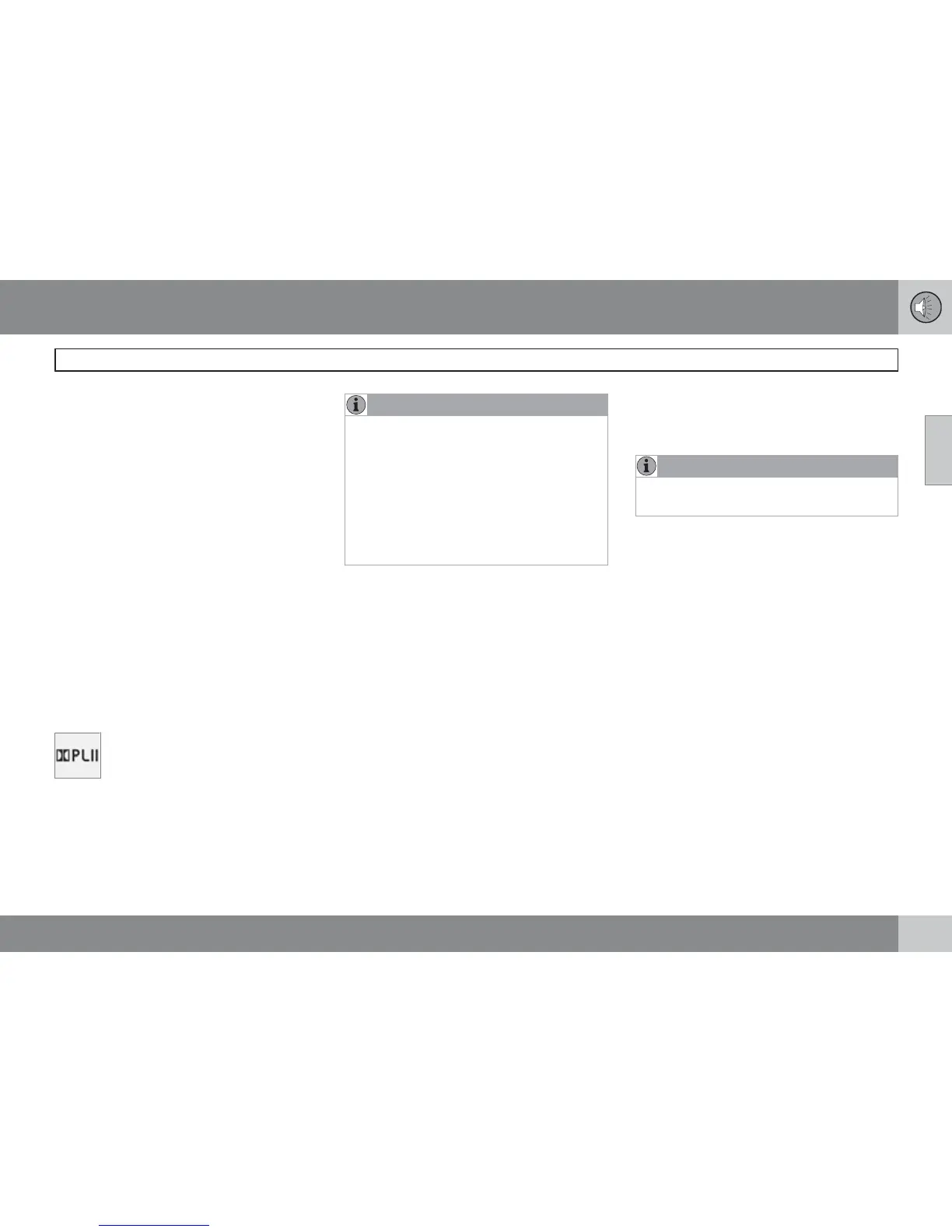
The Dolby symbol will be appear in the display
when Dolby Pro Logic II is activated.
There are three alternative settings:
•
Pro Logic II
•
3-channel
•
Off (normal 2-channel stereo)
Activating/deactivating Surround sound
1.
Press MENU followed by ENTER.
2.
Select
SUBWOOFER in the menu and
press ENTER.
3.
Select Surround
SURROUND AM/
SURROUND FM/SURROUND CD/
SURROUND AUX and press ENTER.
4.
Select
Dolby Pro Logic II, 3-channel
stereo or
Off and press ENTER.
Equalizer Front/Rear
This function is used to fine-tune the sound
level for different frequencies separately.
NOTE
This function is only available on certain
sound systems.
To adjust the equalizer settings:
1.
Press MENU followed by ENTER.
2.
Select
AUDIO SETTINGS in the menu and
press ENTER.
3.
Select
Equalizer front…/Equalizer
rear…
and press ENTER.
The column in the display indicates the sound
level for the current frequency.
•
Adjust the level with the TUNING dial (4),
or use the Up/Down arrows. Additional fre-
quencies can be selected with the Right/
Left arrows.
•
Save the settings by pressing ENTER or
exit without saving by pressing EXIT.
Automatic sound control
The audio system's volume is adjusted auto-
matically according to the speed of the vehicle.
There are three settings available, which deter-
mine the level of volume compensation:



 To Next Page