36
M3703307
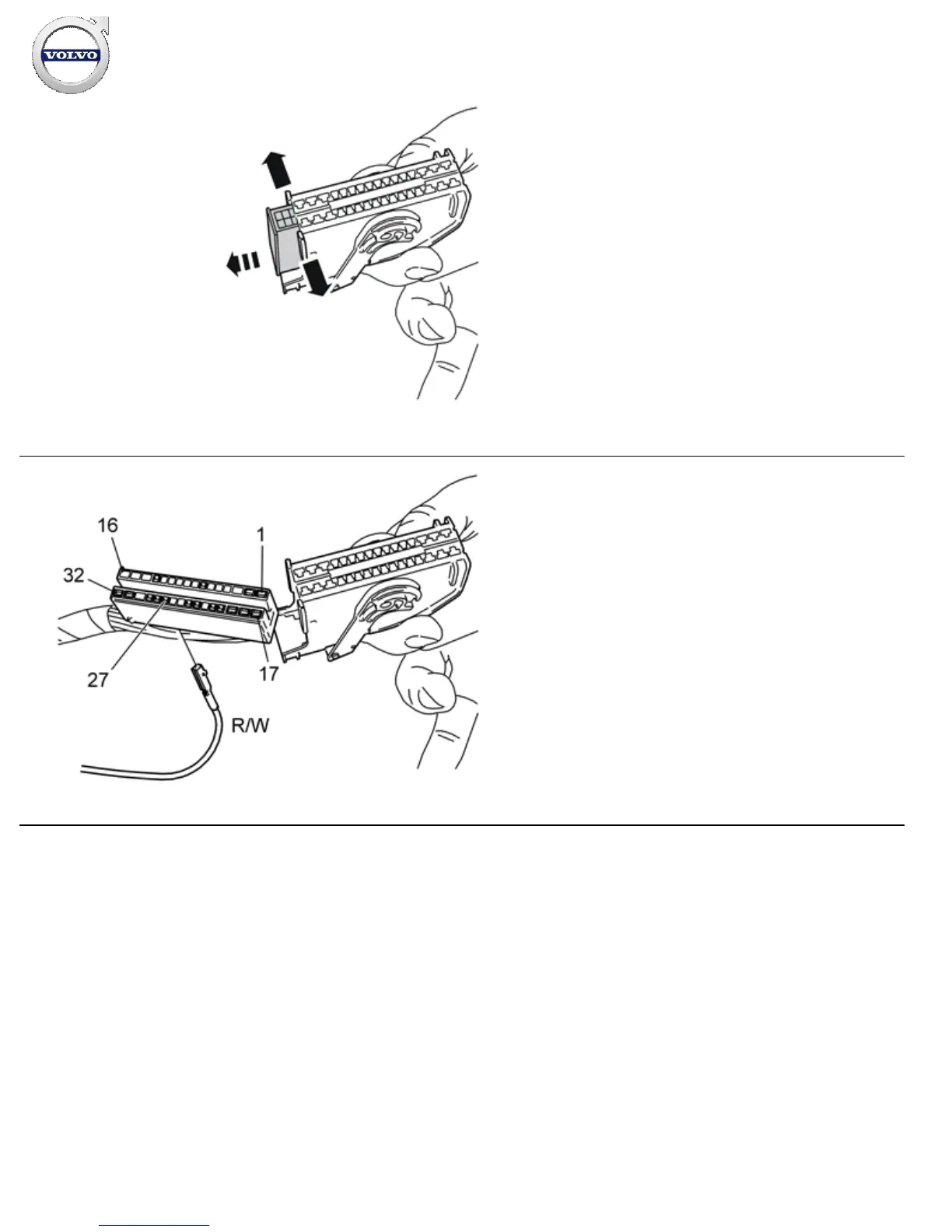
Carefully prise apart the sides of the connector holder in the
ends so that the connector can pass by the retaining hooks.
Pull the connector out from the holder.
37
IMG-
212364
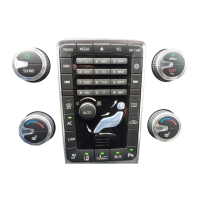
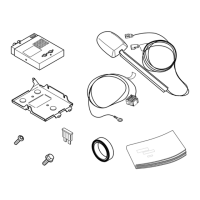
Take the cable harness from the kit. Connect the blue/red (R/BL)
cable with pins to position 27 in the connector.
Refit the connector in the holder and reinstall the whole unit in
the fuse holder.
Installation instructions, accessories
Volvo Car Corporation Gothenburg, Sweden


 To Next Page