Vonage V-Portal User Guide
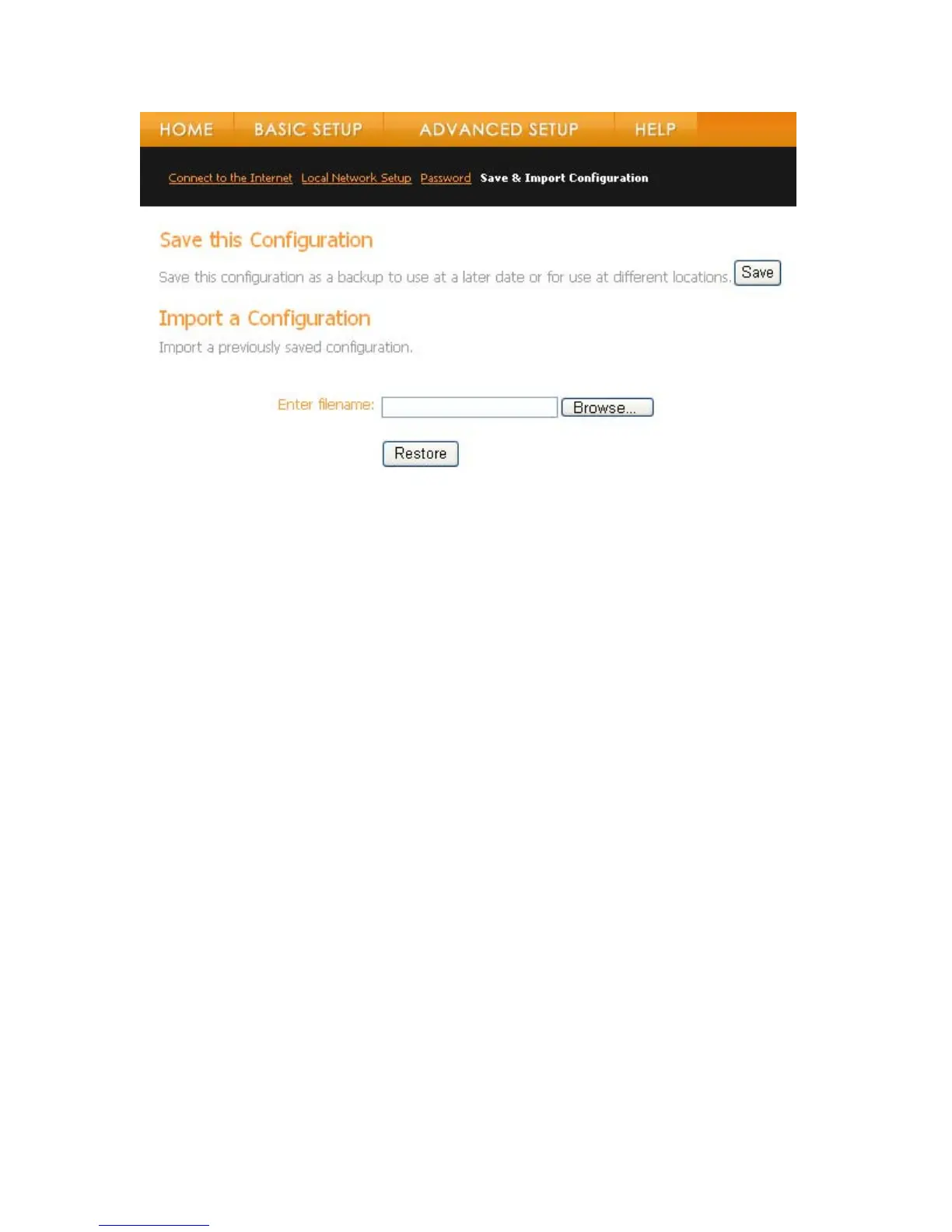
Saving Your Configuration
To save your current config
• Click on the Save button. The Sav ayed.
• Enter a File name ( e def d click Sav
toring a Previously Sa figur
saved configuration you need to import the configuration file:
tton. The Choose file window will be displayed.
ppear
uration:
e As window will be displ
o hr use t ault) an e.
Res
ved Con ation
To restore or import a previously
• Click on the Browse bu
• Locate the file you want to restore and click on the Open button. The filename will a
in the Enter Filename field.
• Click on the Restore button.
• A message will appear indicating the import was successful.
View the Terms of Service by visiting the Vonage website at www.vonage.com/tos. Pay particular attention to
Section 11 which explains limitations on Warranty, Remedy and Liability.
53



 To Next Page