Vonage V-Portal User Guide
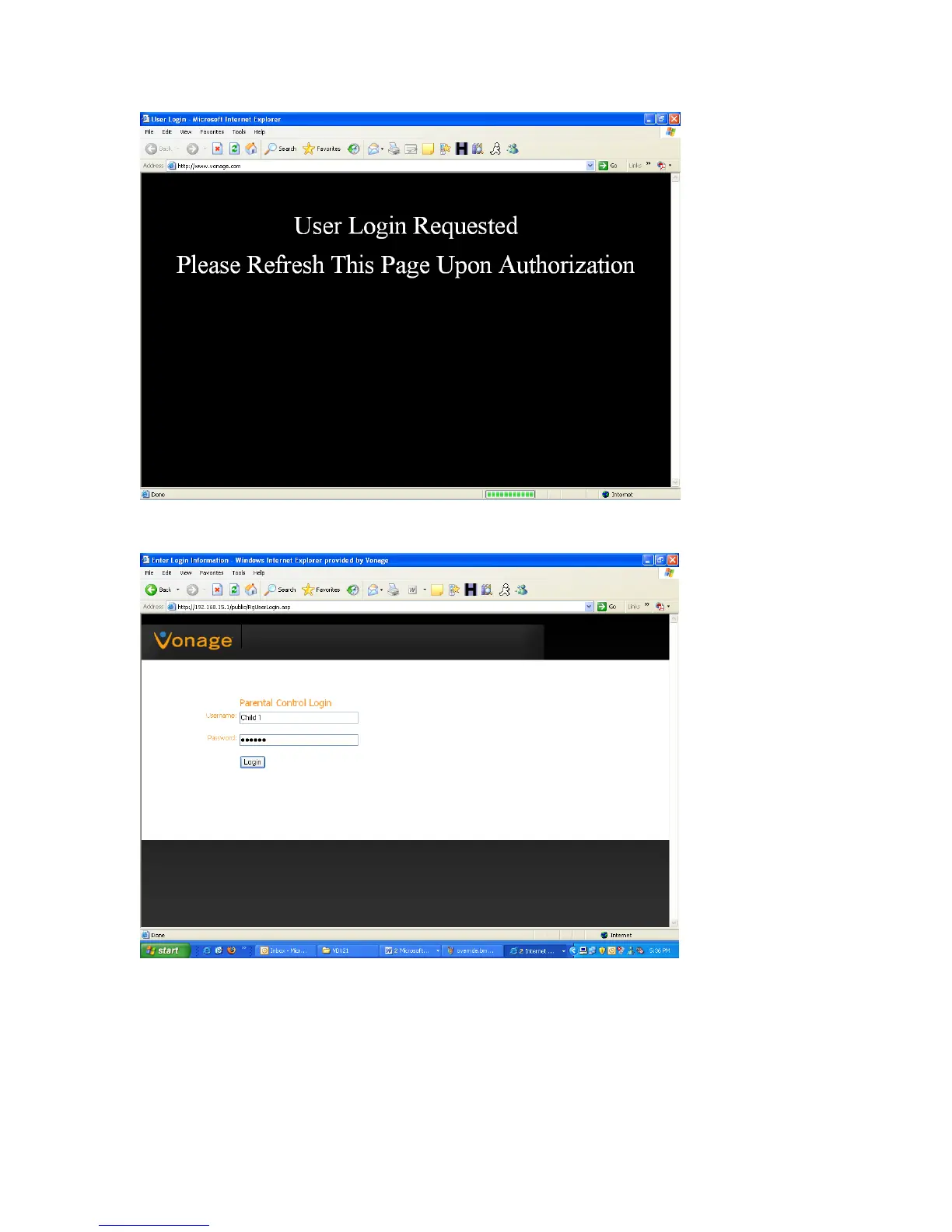
This screen will be followed immediately by a screen requesting them to login. Enter the user
ame “Child 1” and the password we created “vonage”. n
Click on the Login button. The following screen will be displayed:
View the Terms of Service by visiting the Vonage website at www.vonage.com/tos. Pay particular attention to
Section 11 which explains limitations on Warranty, Remedy and Liability.
74



 To Next Page