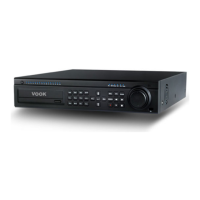
1.DVRmustpoweroffbeforeinstallingHDD.
2.ForfixingscrewtoHDDbracket,pleasedon'tshock,whichmaycause
HDDbreakdown.
on.
4.IfHDDisnotrecognized,pleasecontactHDDmanufactureror
Supplier,andchangeitintonewone.
5.DVRautomaticallyformatsHDDofwhichtheformattypeisnotsupported
byDVR.
6.ThefirmwareupgradeisavailableonlywhenHDDisinstalledinDVR.
7.WheninstallingHDD(oradditionalHDD)inDVR,pleasebesureto
connectthedatacabletoHDDportonmainboard.Ifthedatacableis
connectedtoDVDport,therecordingdatamaybedamaged.
33


 To Next Page