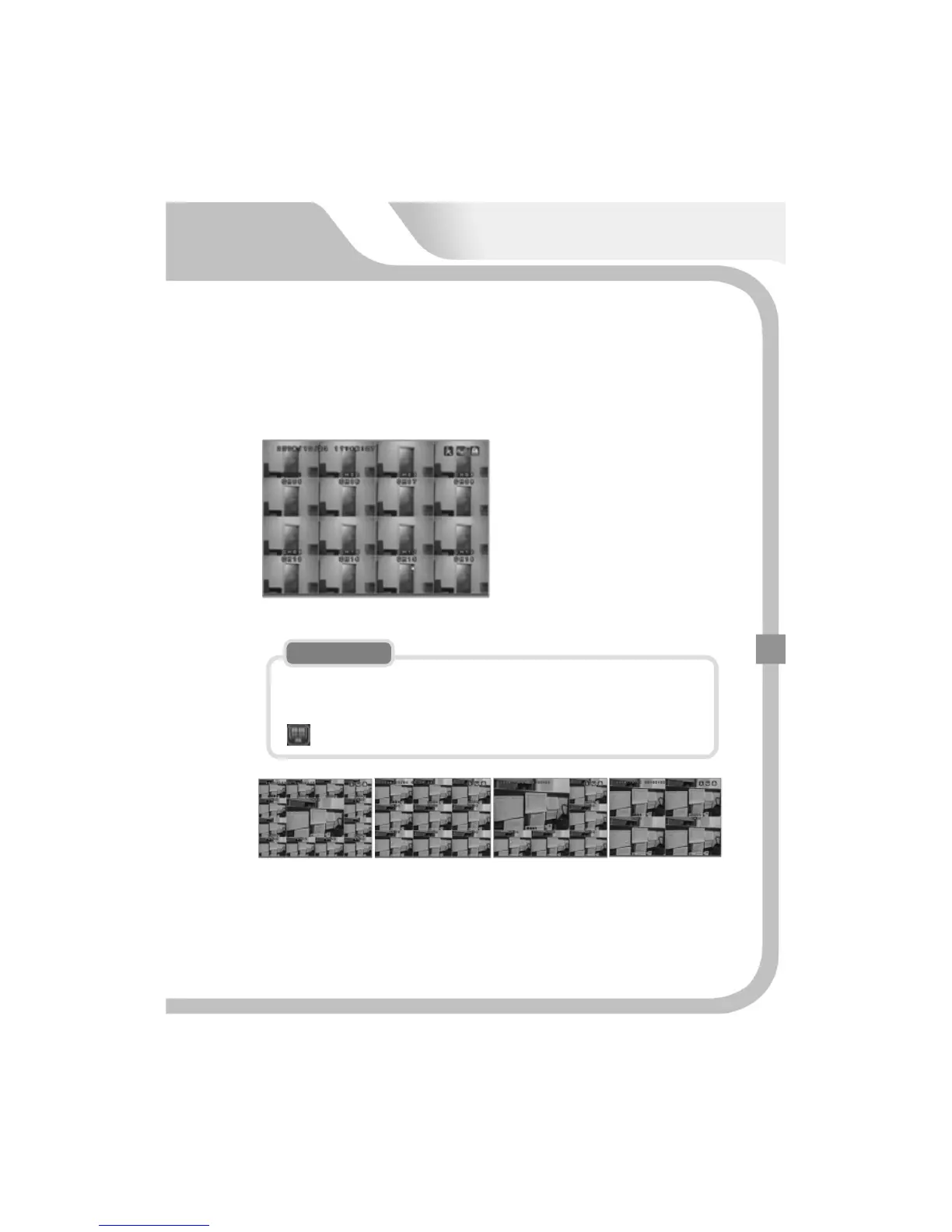
“DISPLAY”buttonenablesyoutoselectthetypeofthedisplay.
1. Auto sequence or PIP mode can
switchover to 16 channel display
on.
2. The display type is switched
over to 16 channel display → 13
channel display → 9 channel
display → 6 channel display → 4
channel display mode in order by
pressing DISPLAY button, or
clicking the right button of mouse
repeatedly.
Theusercanmovetonextchannelbyclickingtherightbuttonofmousein
singlemode.
Toreturntodividedchannelmode,theuserneedstopressonquickmenu
orDISPLAYbuttononfrontpanel.
NOTE
43
13channeldisplay→9channeldisplay→ 6channeldisplay →4channeldisplay
ThedisplaychannelcanbechangedbypressingUP/DOWNbuttonindividedchannel
modeasdesired.


 To Next Page