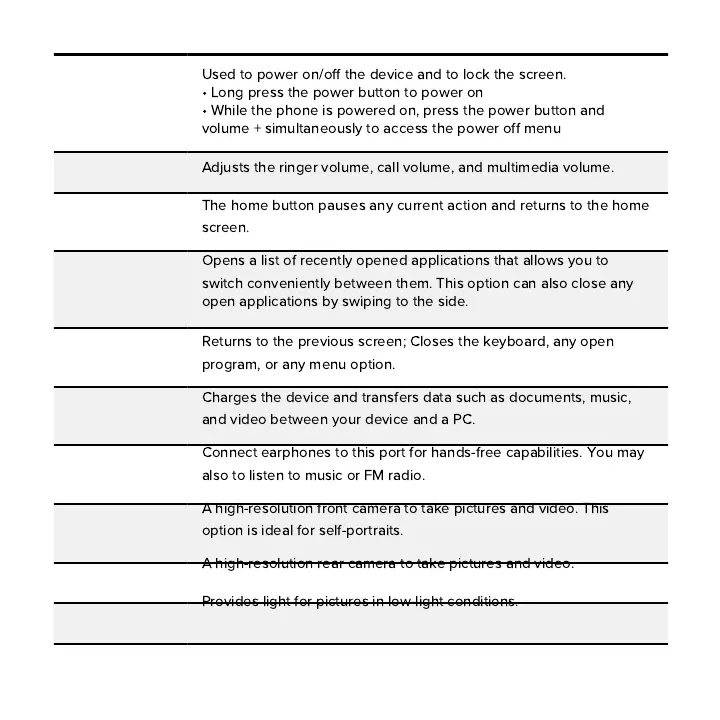
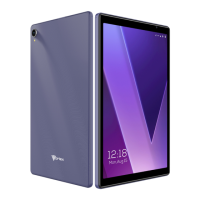
Back
Power
On/Off
Volume
Home
USB Port
Recent Apps
Rear Camera
Flash
Front Camera
Headset Port
Used to power on
/
off the device and to lock the screen
.
•
Long press the power button to power on
•
While the phone is powered on
,
press the power button and
volume
+
simultaneously to access the power off menu
Adjusts the ringer volume
,
call volume
,
and multimedia volume
.
The home button pauses any current action and returns to the home
screen
.
Opens a list of recently opened applications that allows you to
switch conveniently between them
.
This option can also close any
open applications by swiping to the side
.
Returns to the previous screen
;
Closes the keyboard
,
any open
program
,
or any menu option
.
Charges the device and transfers data such as documents
,
music
,
and video between your device and a PC
.
Connect earphones to this port for hands
-
free capabilities
.
You may
also to listen to music or FM radio
.
A high
-
resolution front camera to take pictures and video
.
This
option is ideal for self
-
portraits
.
A high
-
resolution rear camera to take pictures and video
.
Provides light for pictures in low
-
light conditions
.


 To Next Page