- 2 -
Installation:
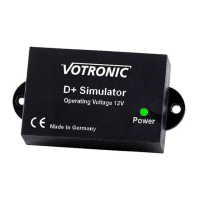
• Fasten the D+ Simulator to a suitable place on the engine using a clip.
• The function of the engine must not be impaired by the installation.
• The vehicle manufacturer’s specifications must be observed.
• Any installation location can be selected.
• Attach the clip on the bottom third (opposite the connection side) of the device.
• Check the device is mechanically secured!
• Lay cables so that they cannot touch any parts with temperatures over 100°C.
• Fasten cables without any tensile forces.
• Fasten cables so that they remain capable of moving on the sensor (mechanical stress).
Connection:
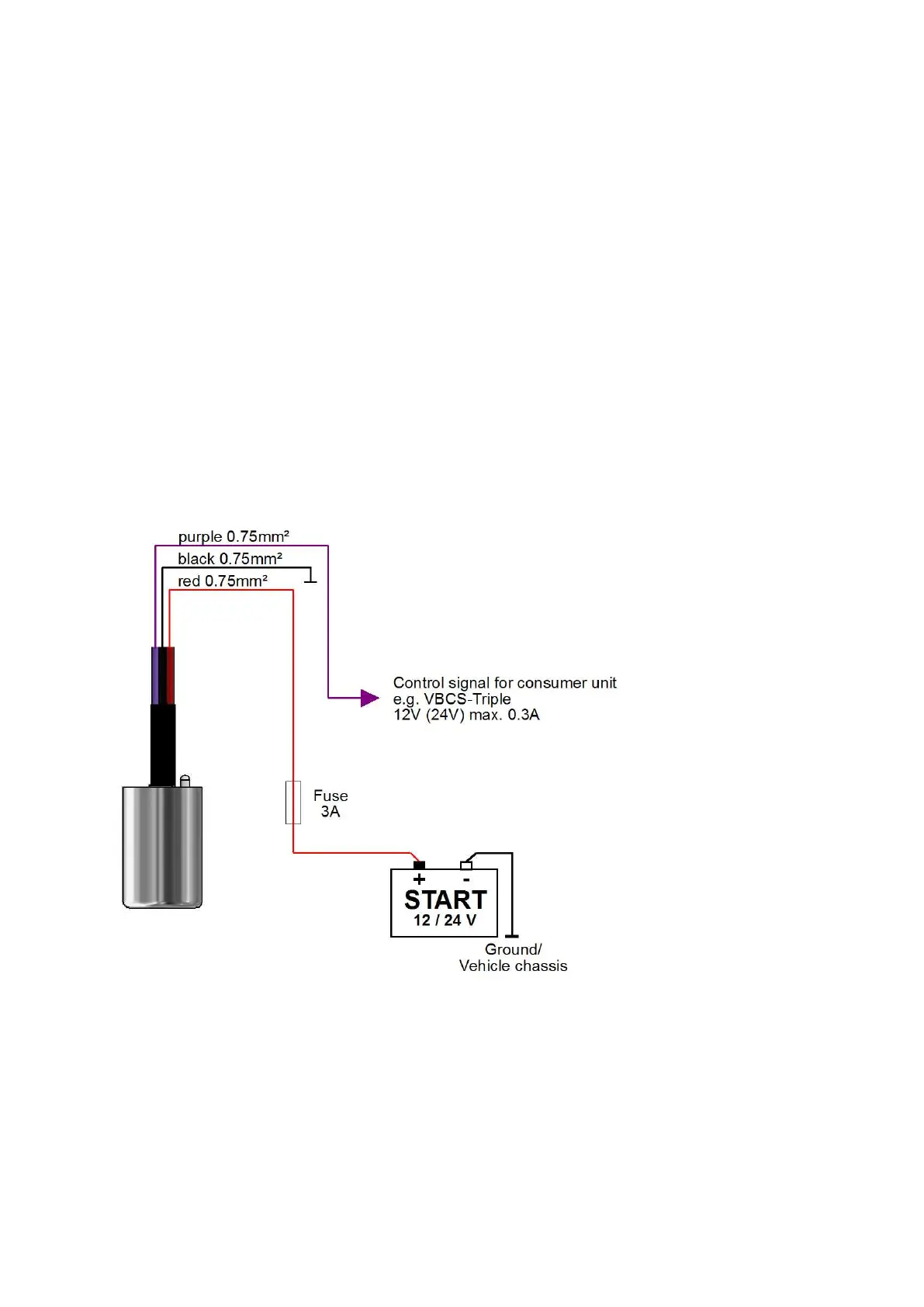
• Wire the device according to connection diagram.
Note:
The device can be operated either on the starter battery, vehicle battery, Terminal 15 or switch outputs.
The additional voltage detection may need deactivating, see corresponding chapter.


 To Next Page