11
WRITE button
Use this button to save a new program into CH1 or CH2. Refer to “Storing your
program” (page 17).
5. POWER SWITCH
When the power is on, the indicator located above the switch will be lit.
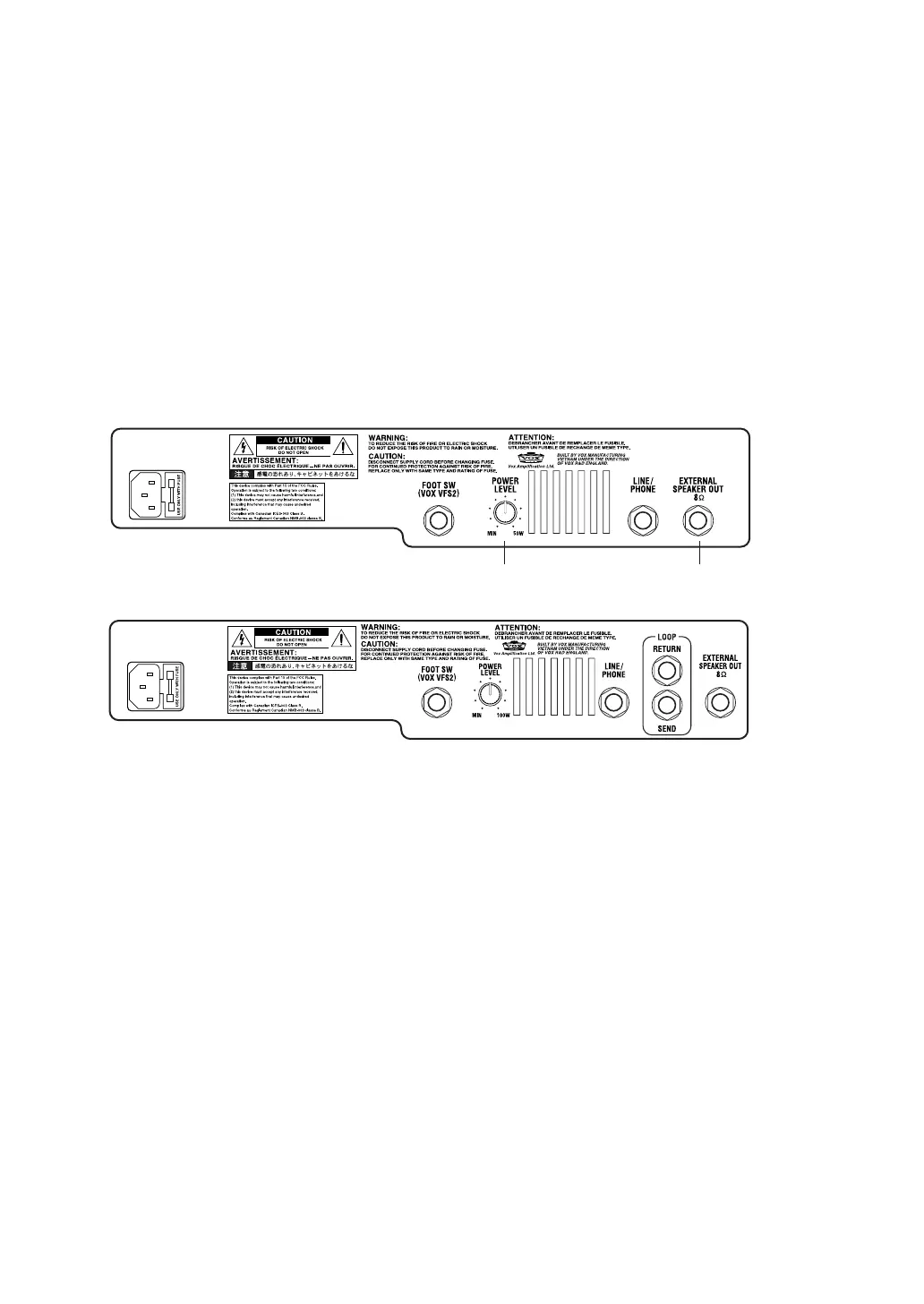
B. Rear Panel
AC power
This is where you connect the included power cord.
FOOT SW
You can connect the optional VFS2 dual foot switch (sold separately) here, and
use it to switch programs or bypass the effect while you perform.
POWER LEVEL
This adjusts the output wattage of the power amp.
AD30VT-XL: less than 0.1 W – 30 W AD50VT-XL: less than 0.15 W – 50 W
AD100VT-XL: less than 0.2 W – 100 W
NOTE: The AD15VT-XL doesn’t have this control.
NOTE: The power level setting isn’t saved as part of the program.
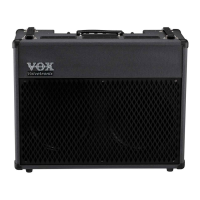
AD100VT-XL
AD15VT-XL/AD30VT-XL/AD50VT-XL
AD30VT-XL/AD50VT-XL only AD50VT-XL only


 To Next Page
 Loading...