76
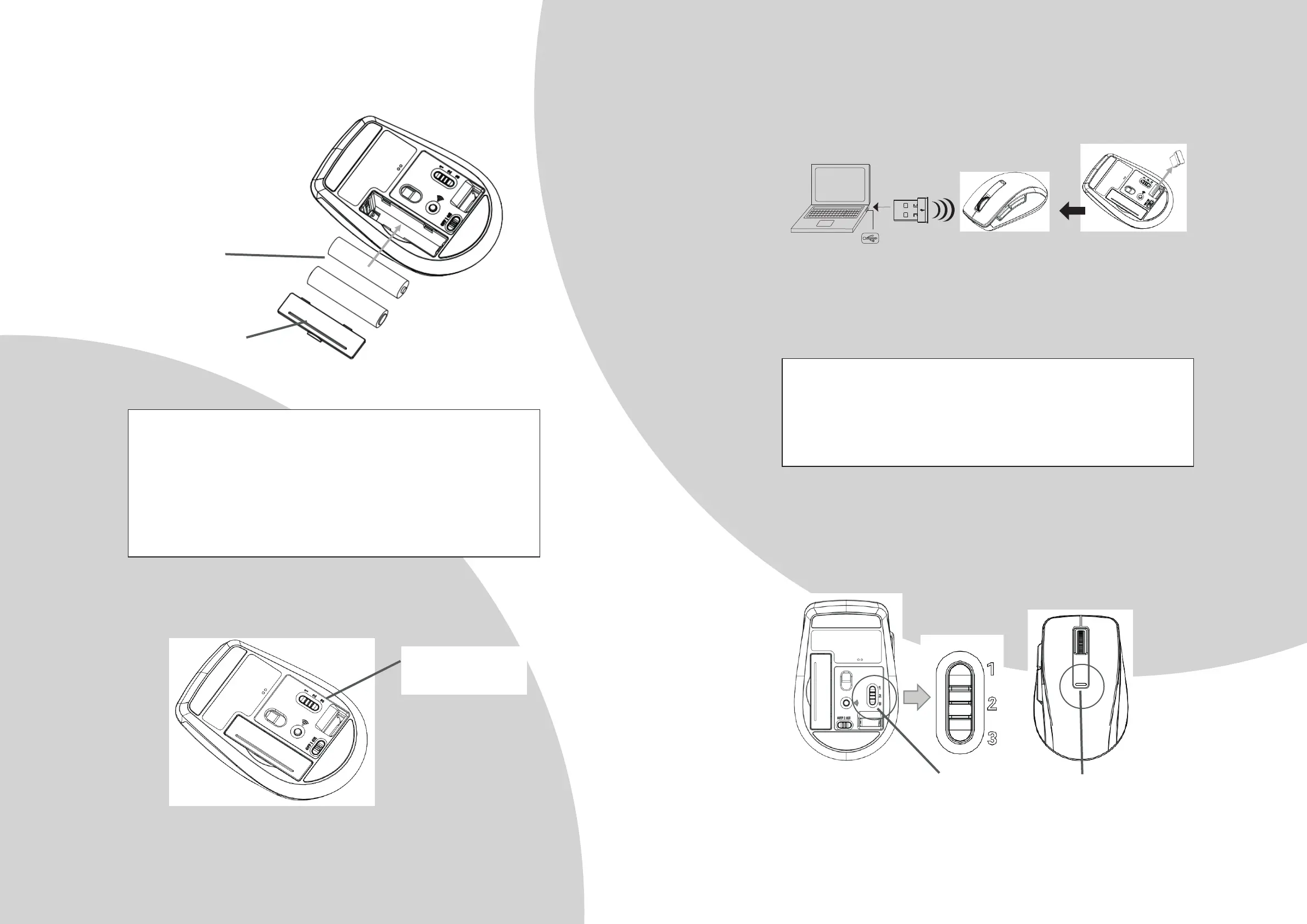
2. Connect the receiver for PC3
a. Switch the PC to PC3 for 2.4GHz.
b. The Red LED will be ON for 3 seconds when switching PC.
The unit offers a strong power saving management. Once the mouse
accesses the sleeping mode, to slide the mouse can wake it up.
Power On/Off:
To save energy for long period of non-usage, switch the On/Off button to
Off position to turn off the mouse.
Baery cover
AAA baery
x 2pcs
PC3 is for 2.4GHz
connecon
c. Turn on your PC.
d. Plug the receiver into the USB port on PC.
3. 2.4GHz Wireless Communicaon : the mouse & the receiver
a. Make sure the Power On/Off Switch on the boom of the mouse is ON.
b. The mouse and receiver have been successfully linked when the cursor’s
movement mimics that of the mouse.
4. PC Switch
a. Press the PC switch buon to switch between PC1(Bluetooth) / PC2(Bluetooth /
PC3(2.4GHz)
b. The Red LED will be ON for 3 seconds when switching to next PC.
The mouse, while working if encountering any interference, will
automatically source out with the receiver and transfer to another free
channel. During the transferring, the cursor movement may have a second
delay.
Red LED indicator
PC Switch buon



 To Next Page